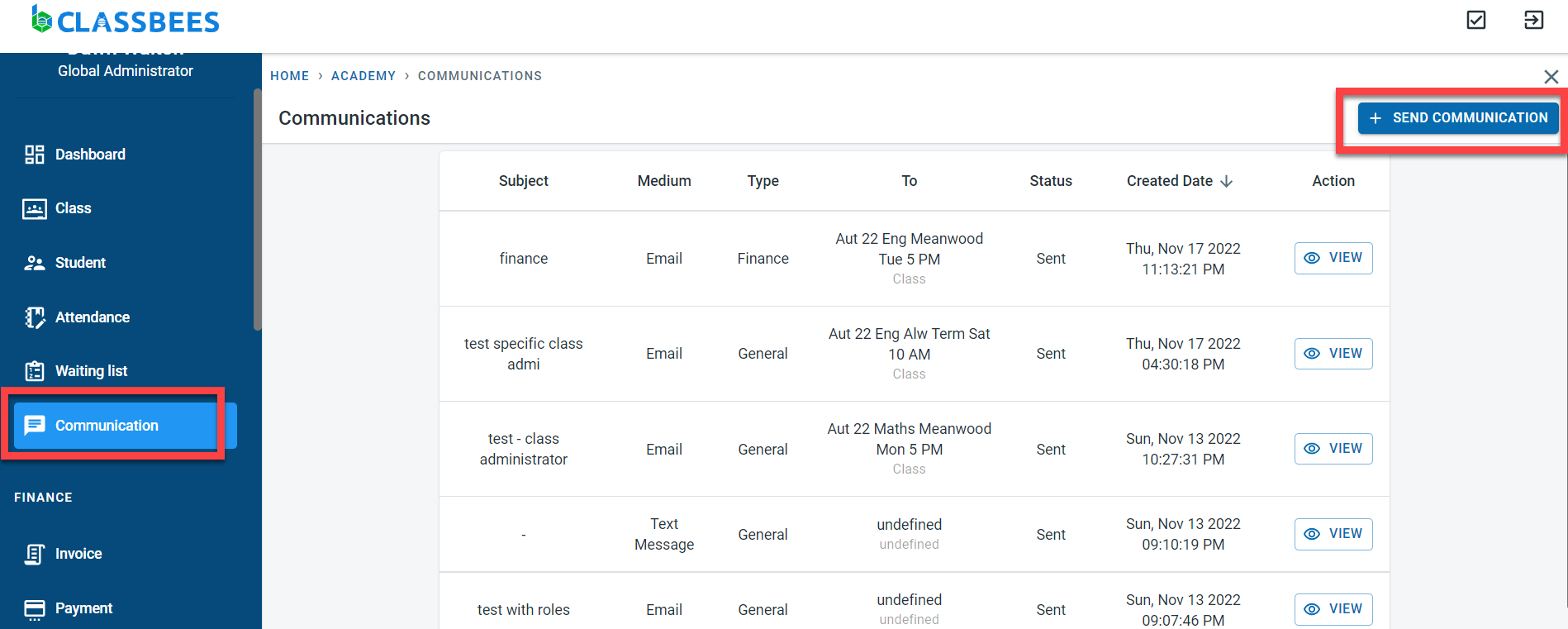
It is possible to send email and sms messages from the Classbees manage system to individual students or associates or to multiple students/associates or to all students/associates enrolled in a class(or multiple classes)
As of now Classbees Manage supports only one way communication from the academy/club to the student and associate
There are two important setups needed for communication to work
Role Association
When a student is created or when an associate is added to the student, there are certain roles associated with the student or associate. These role associations are used to direct communication to specific students and associates.
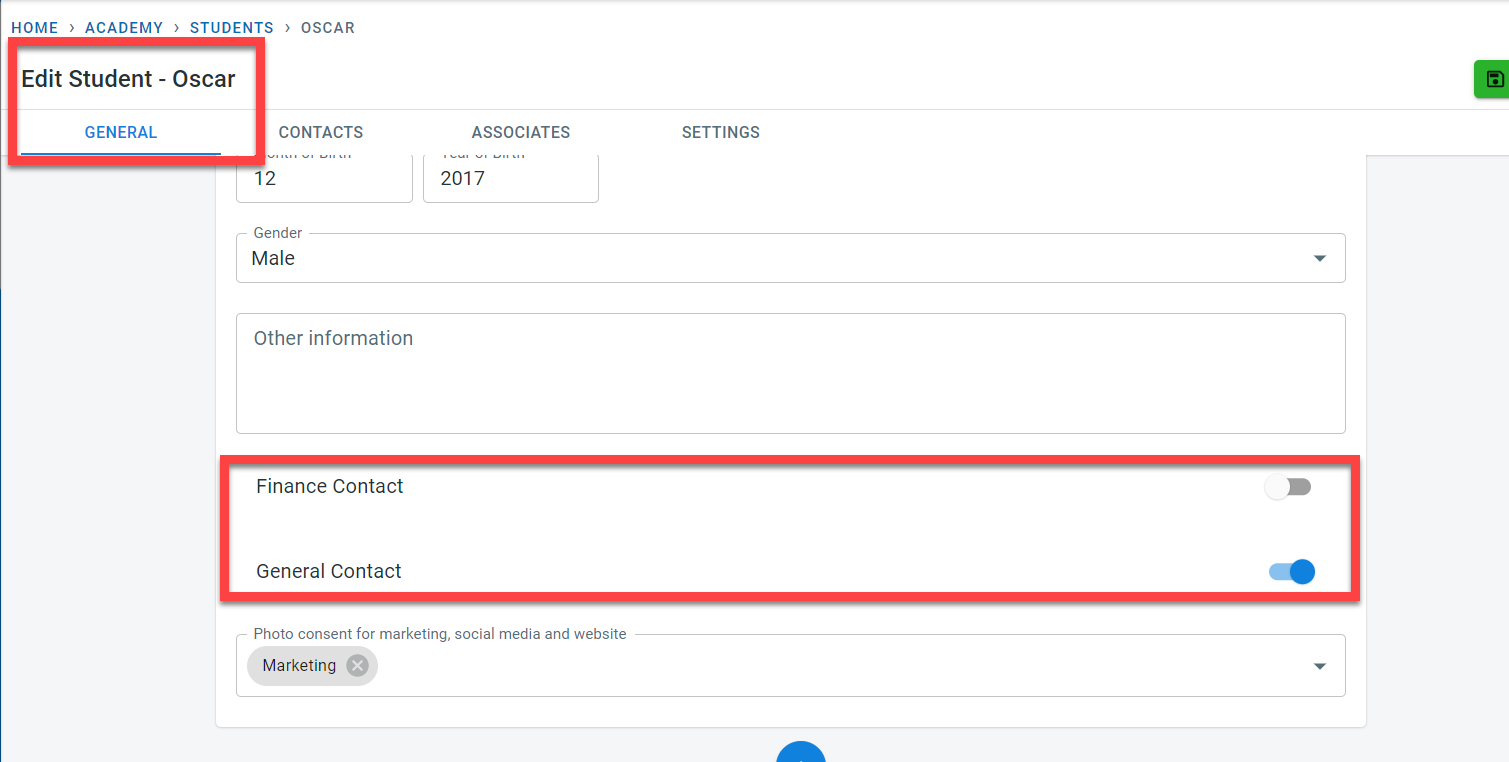
When a student is created, it is possible to specify if the student has to receive general communication and finance communication by toggling the switches in the student’s general screen
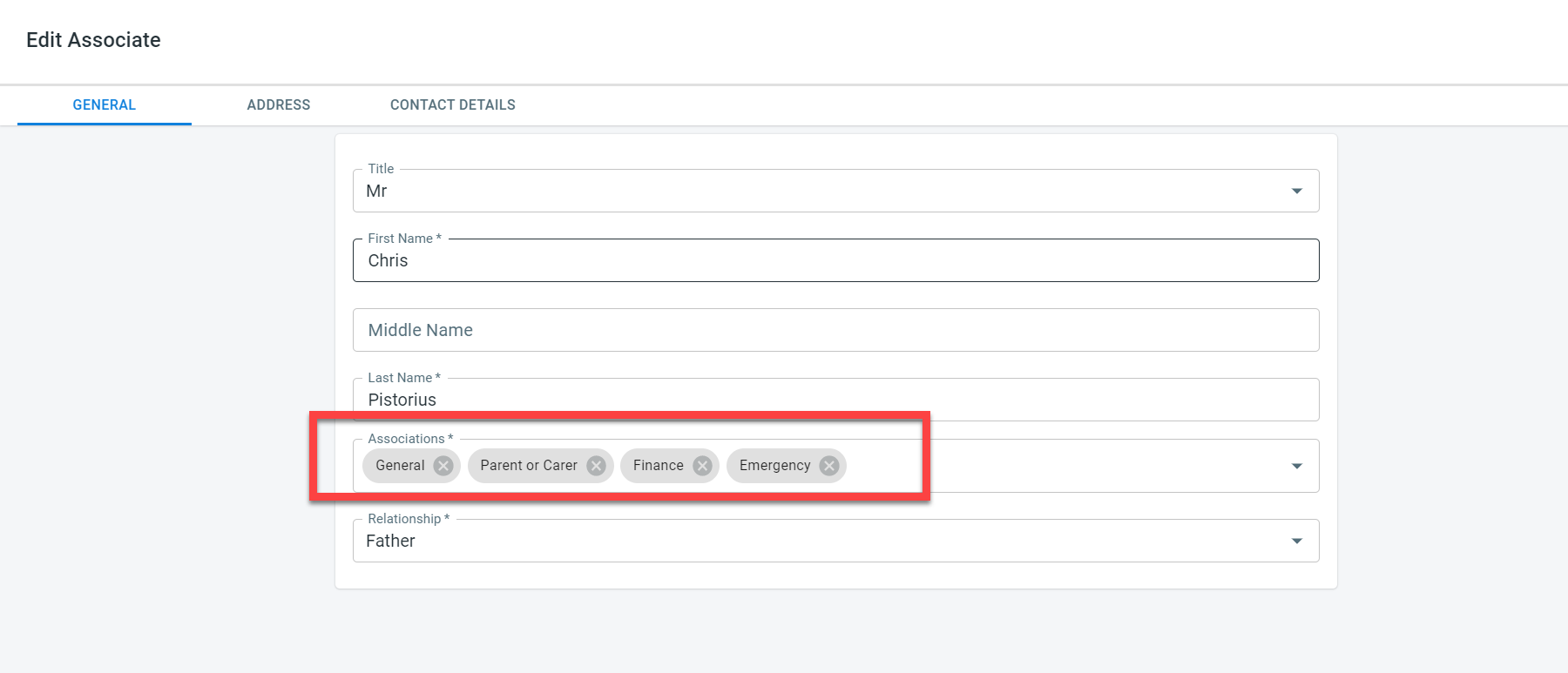
For the associates linked to the student, In the association field, it is possible to key in the roles to be associated with the associate. There are four types of association that can be linked with the associate - General, parent or carer, emergency, and finance.
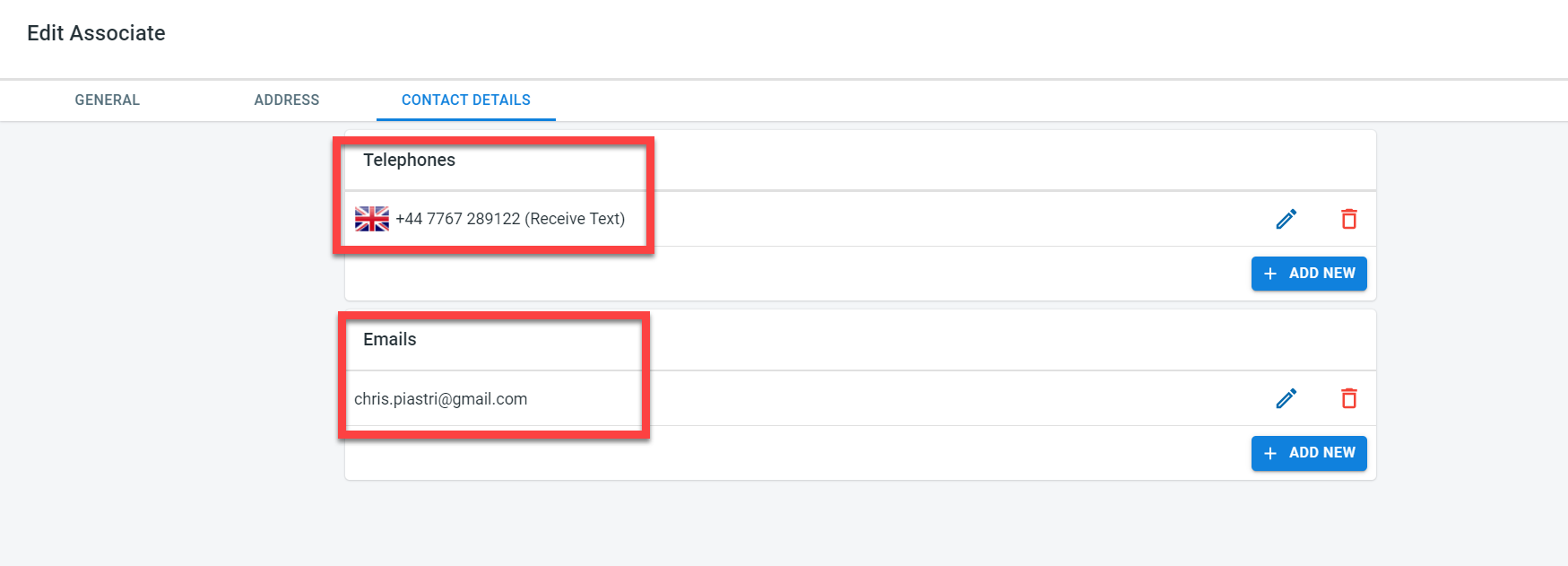
Contact details
Contact details can be maintained for the student and also for the associates.
For the student, the contact tab will be used to capture the telephone number and email address of the student.
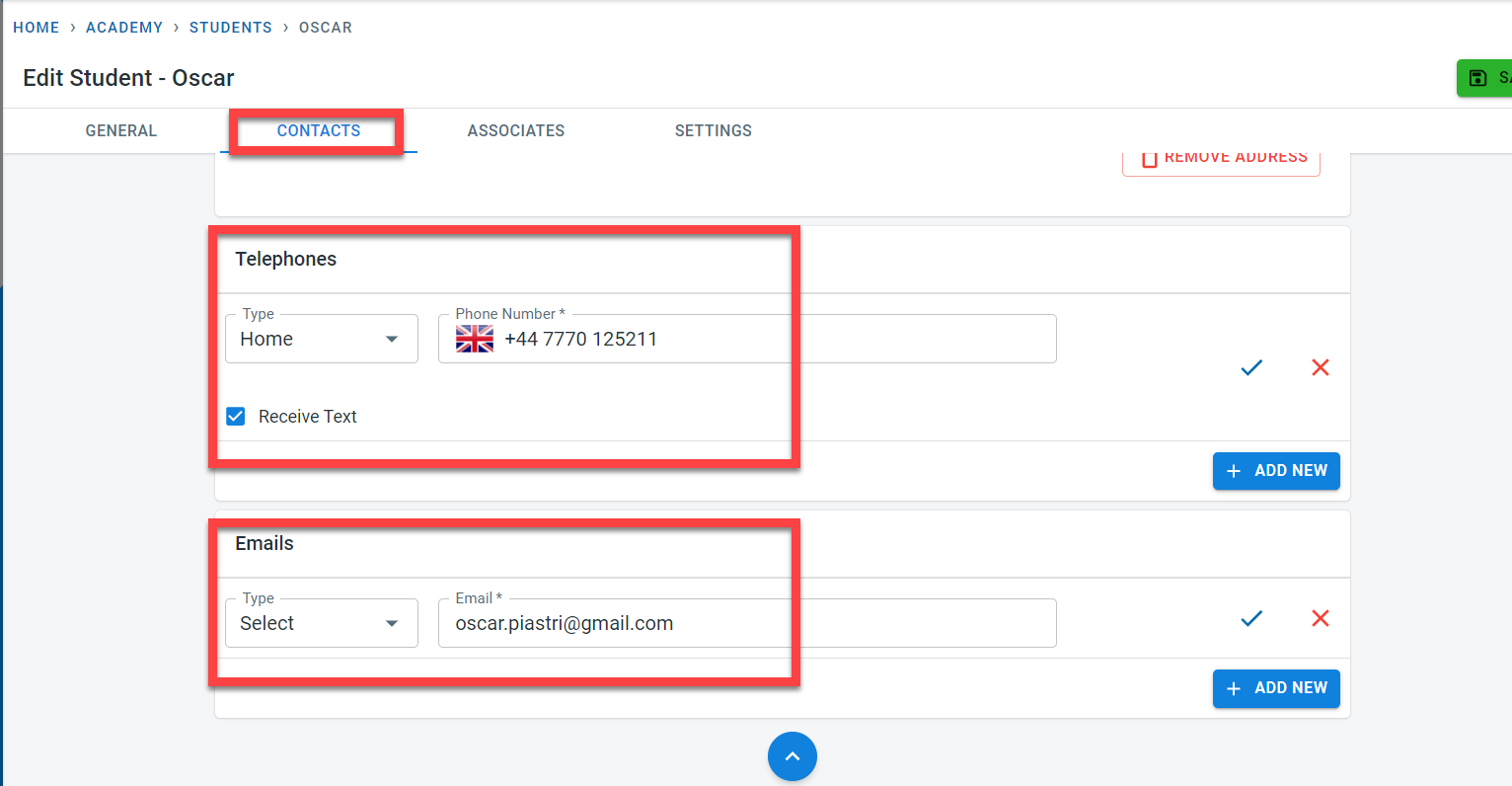
Contact details for the associates will be captured as part of the associate setup
Communication
Communication can be initiated from three places
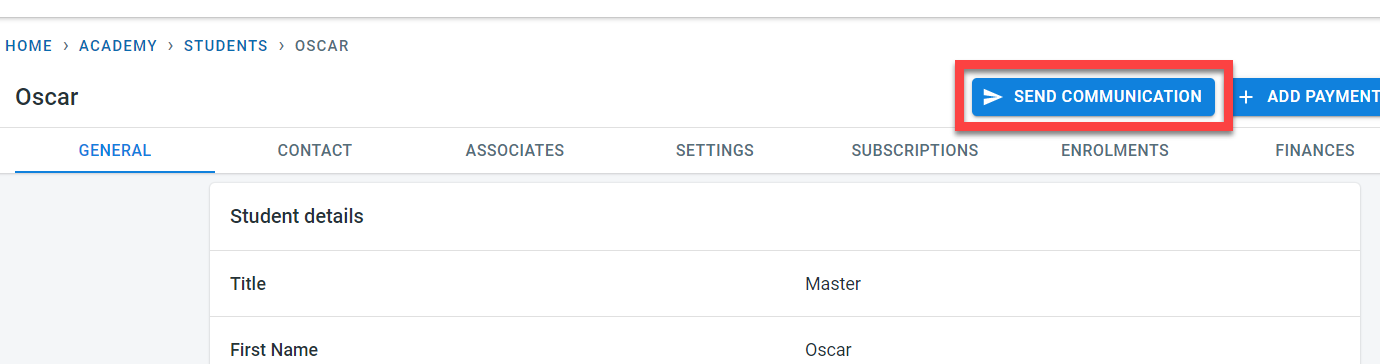
- Student
Click on “Send Communication” within the student to send an email or text communication to a student and associate linked with the student.
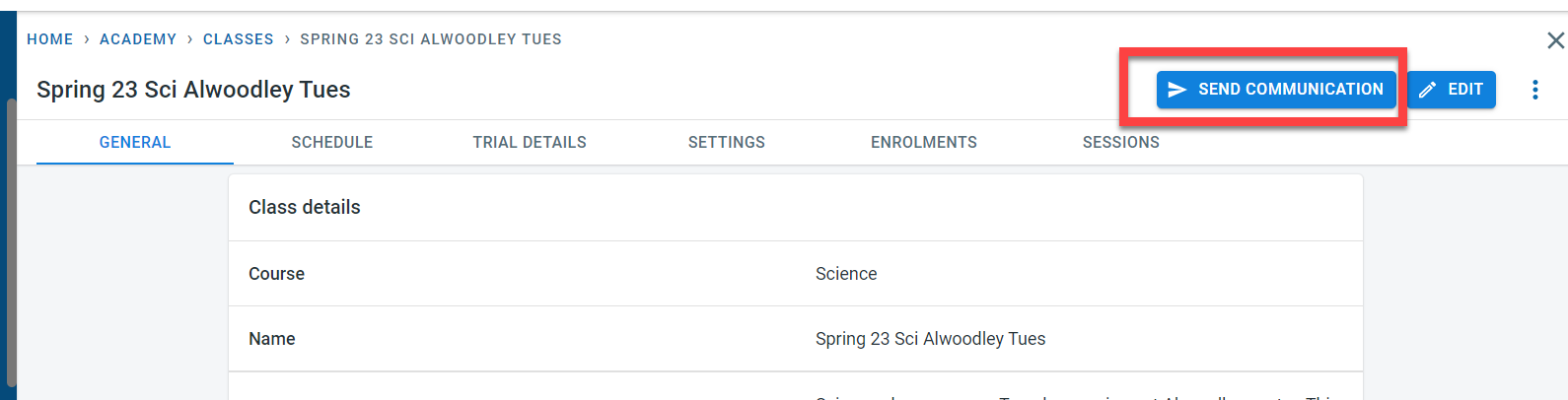
- Class
In the class, Click on “Send communication” to initiate an email or text communication to the students and associates linked to the students enrolled in the class
- Communications
The Communications tab could be a general place to start communication .Single/ multiple students or classes could be then added to the communication
Click on “Communication” in the main menu. Click on “Send Communication” to start a new communication.