The payment module is used to record and track payments received from the student.
Payments can be recorded in the system using one of the following methods
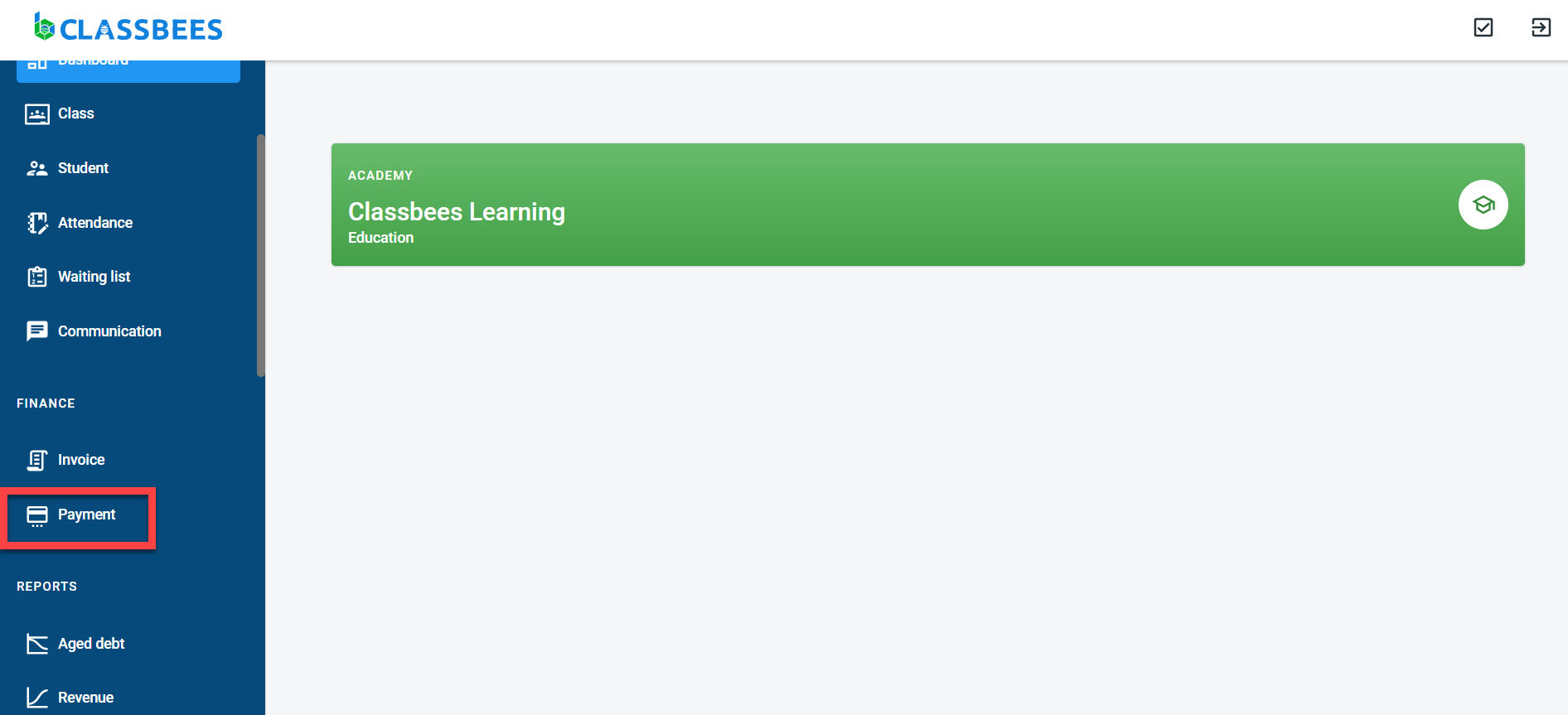
To view and record payments in the system, select “Payment” from the main menu
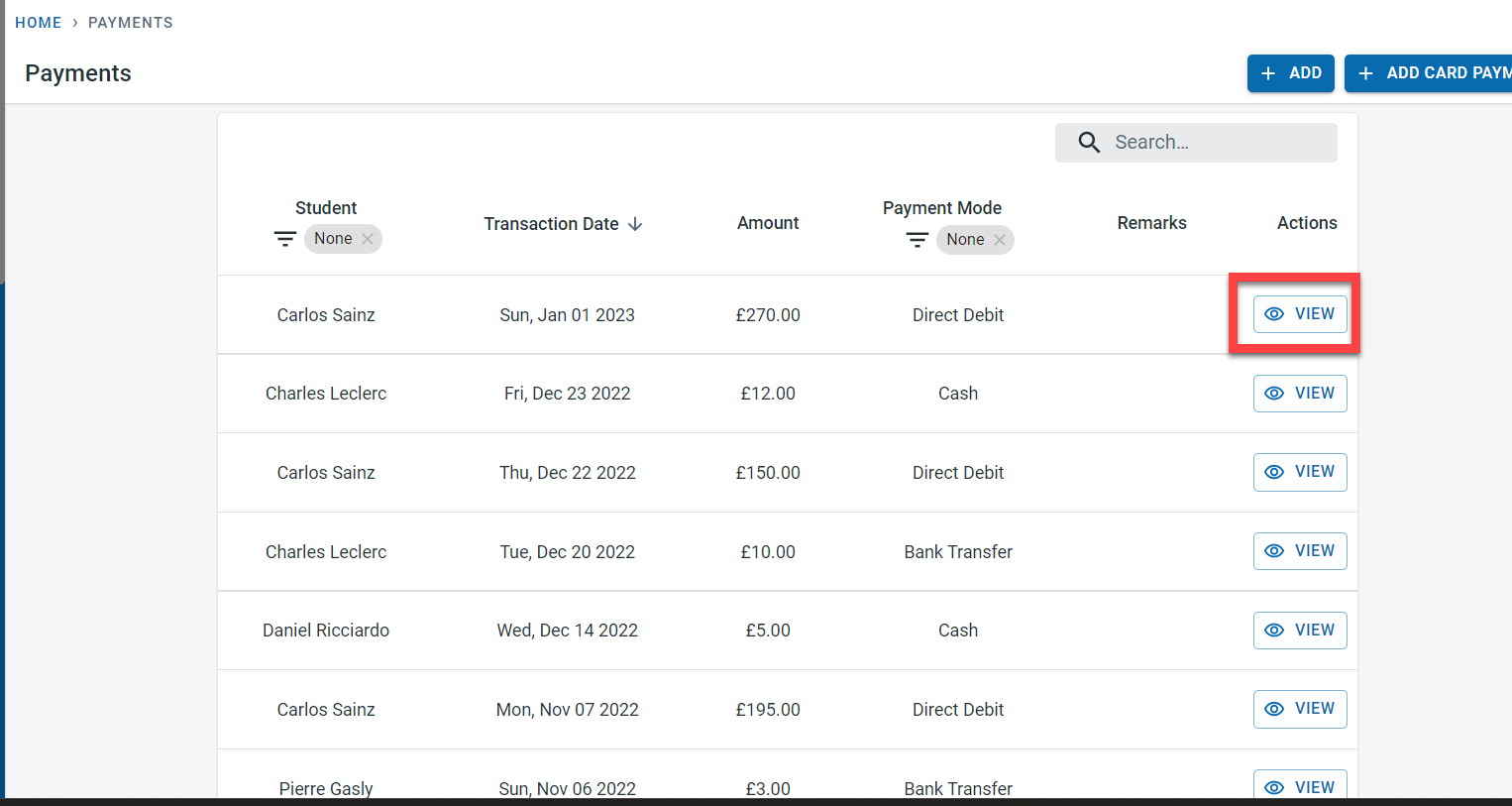
All the payments recorded in the system will be visible on the payment screen. Click on View next to the payment to see the details
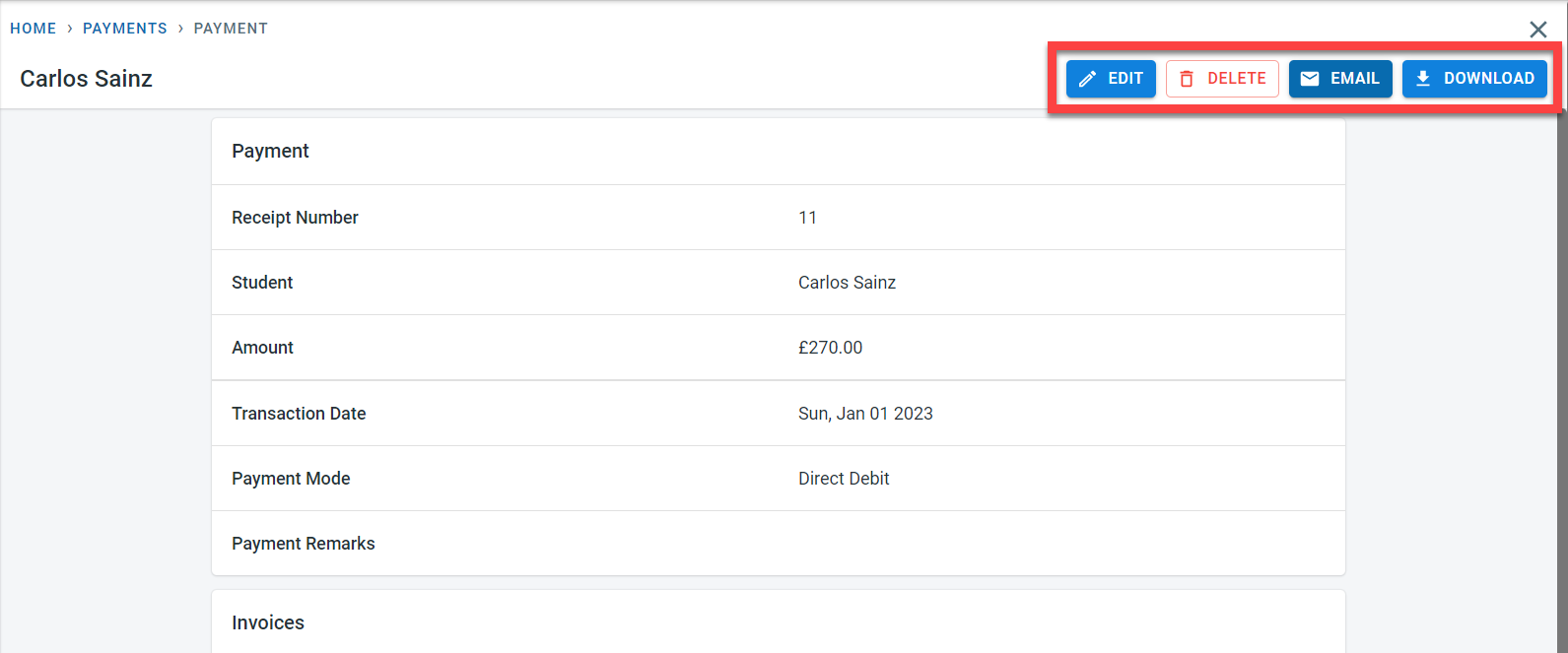
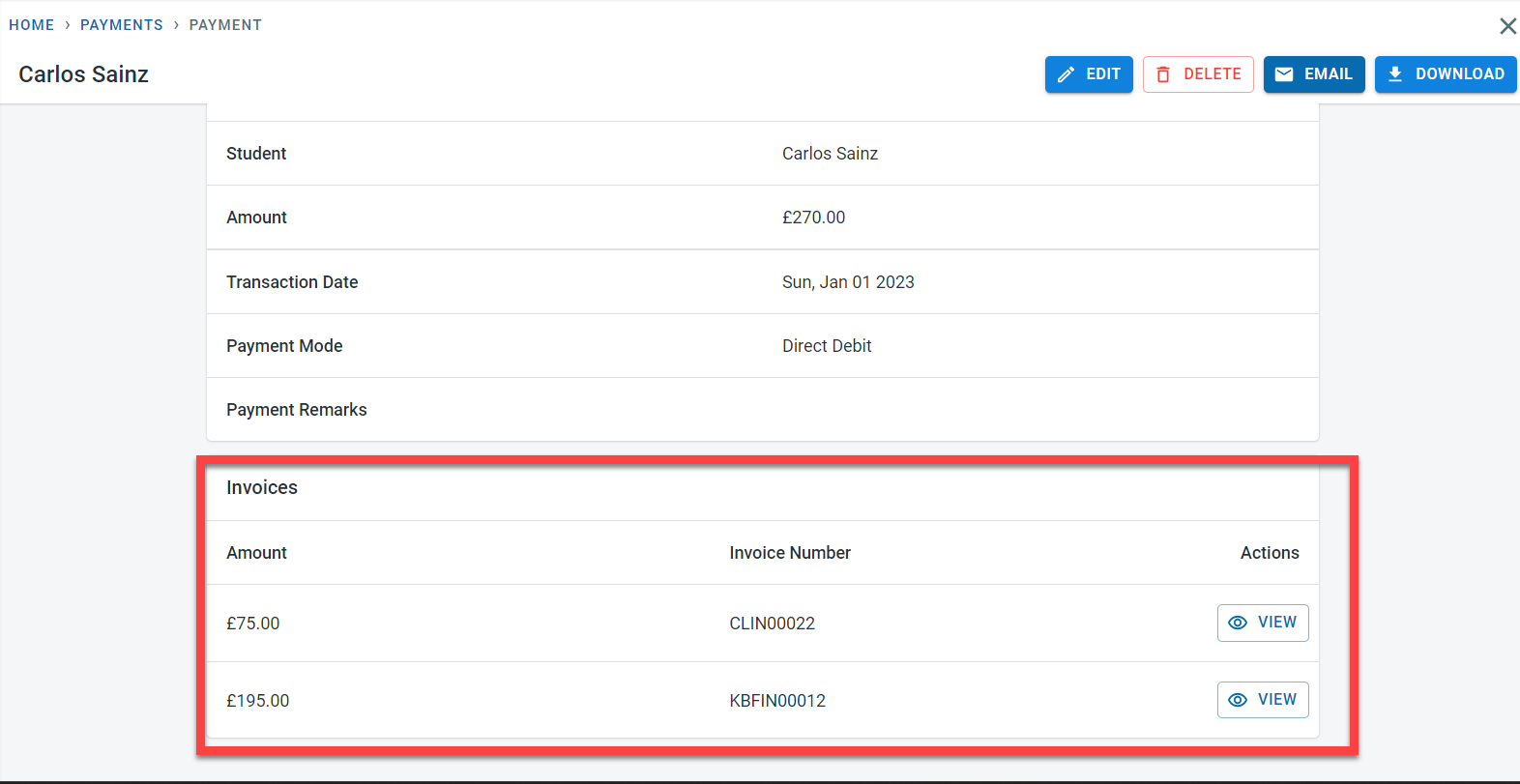
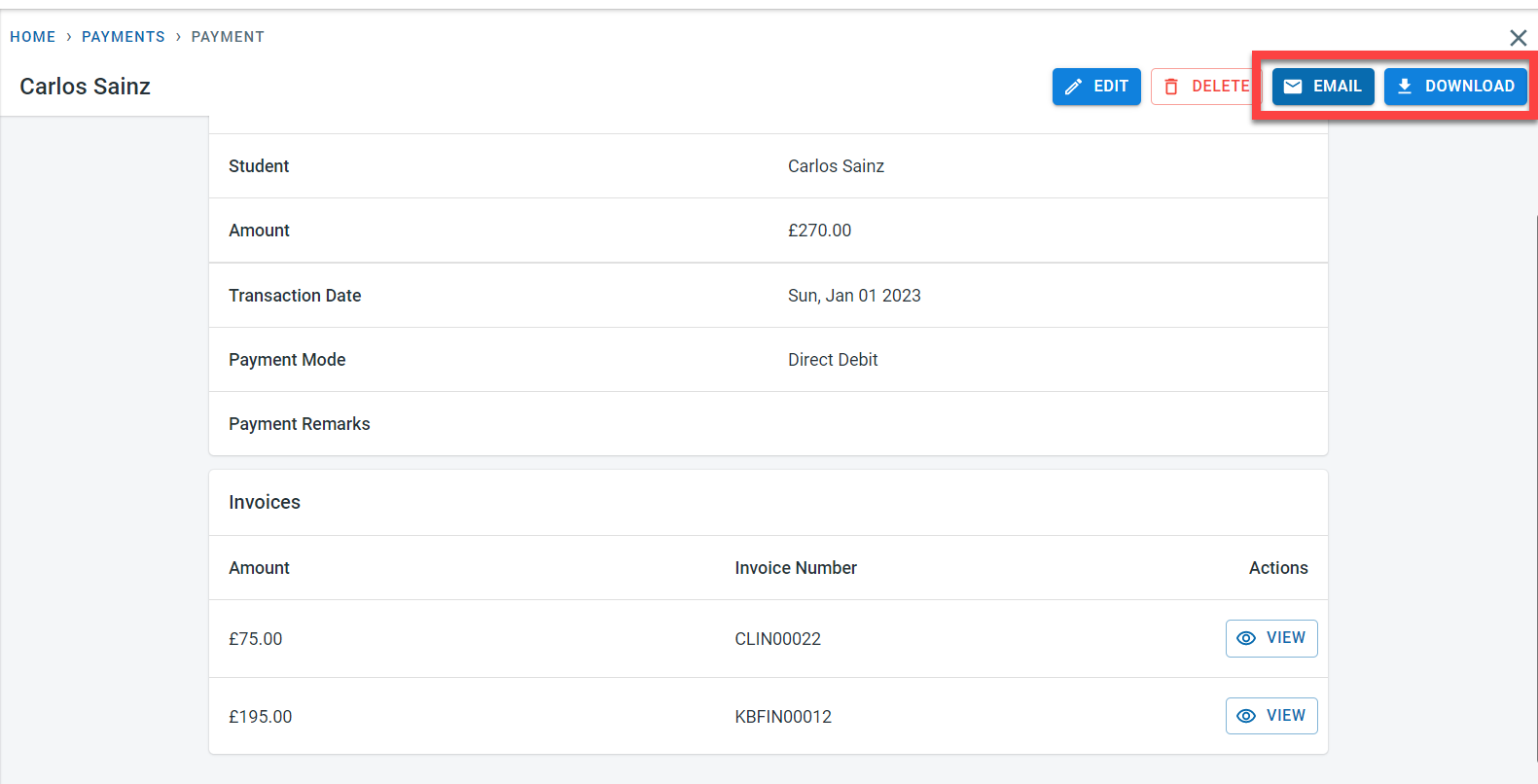
The payment detail screen is displayed.
When a payment is recorded in the system, the payments are allocated to outstanding invoices in the order of invoice date.
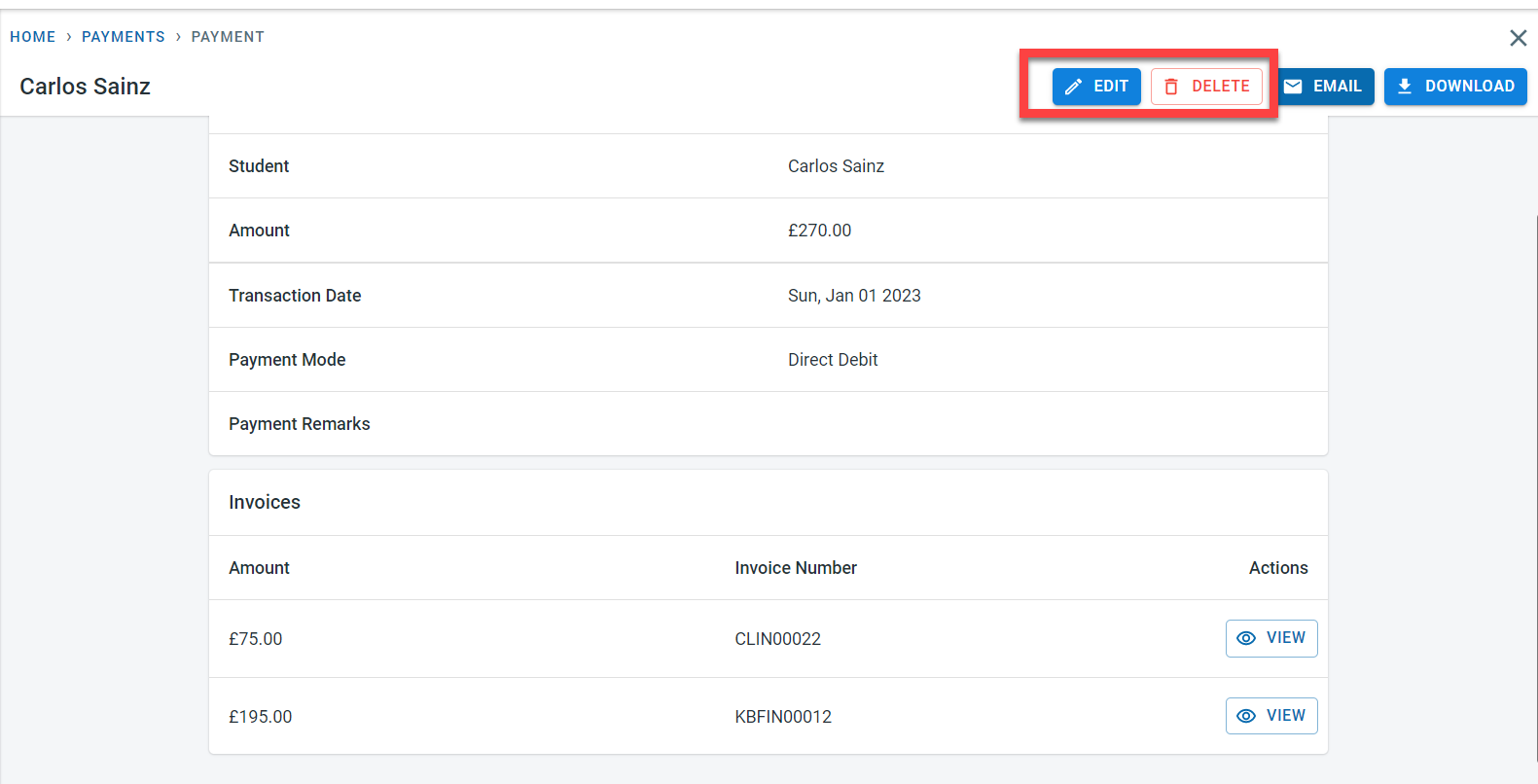
Click on Edit in the payment to make changes to the payment
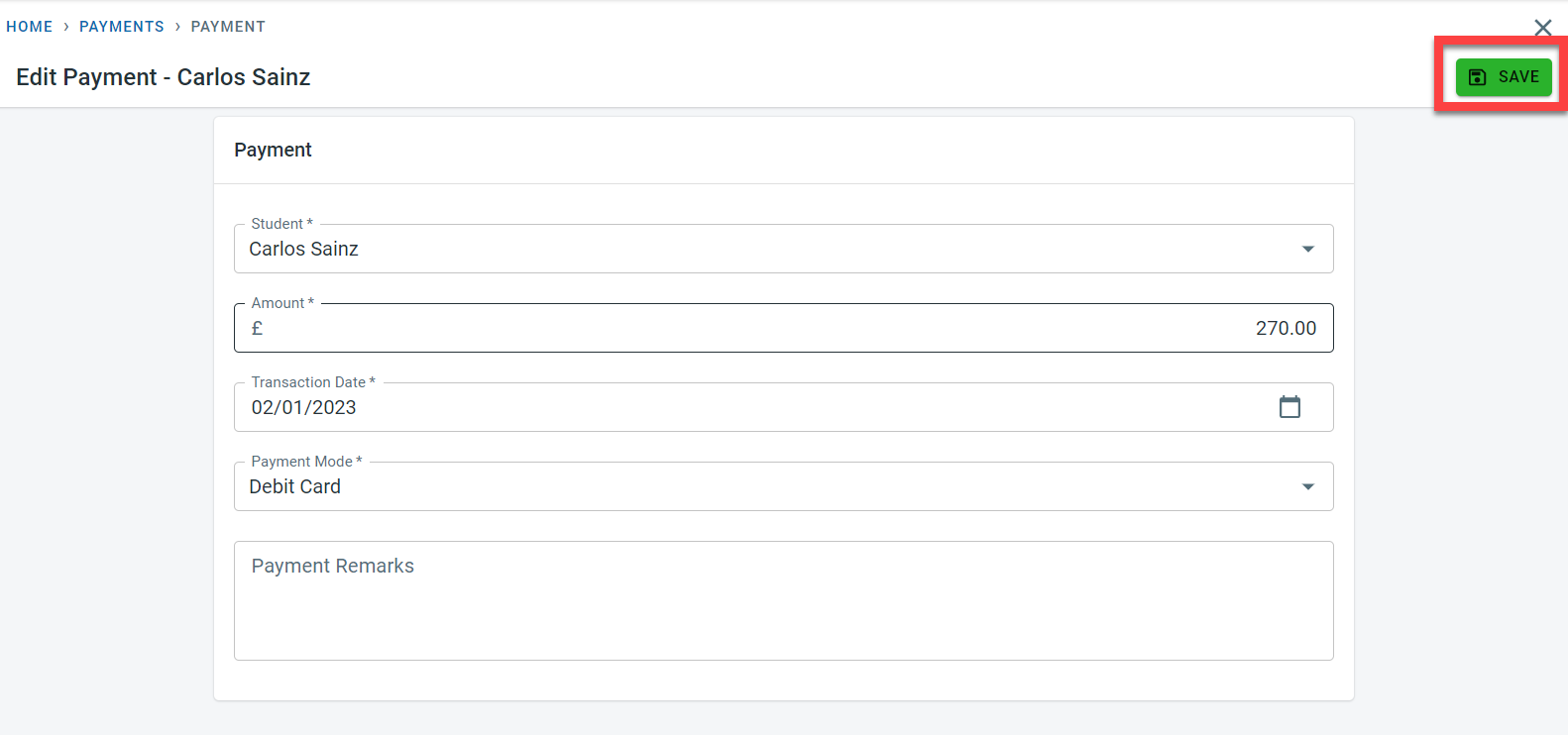
Once the changes are made, click on Save.
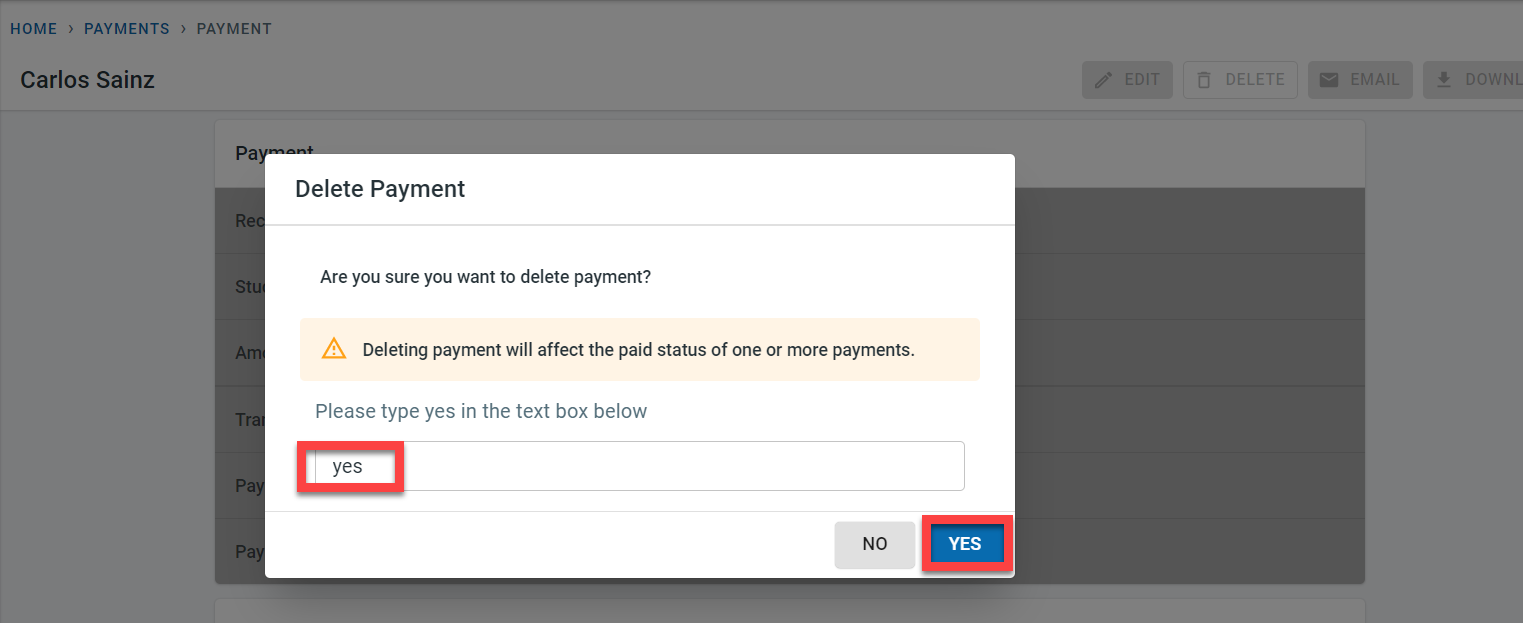
The payment can be deleted from the system by clicking on delete. Enter “yes” in the popup and click on yes to confirm the deletion of the payment
To send the payments manually by email to the finance contacts for the student, click on Email.
The email receipt setting in the academy and the email receipt setting in the student controls whether emails can be automatically sent to the finance contact for the student when the payment is recorded in the system.
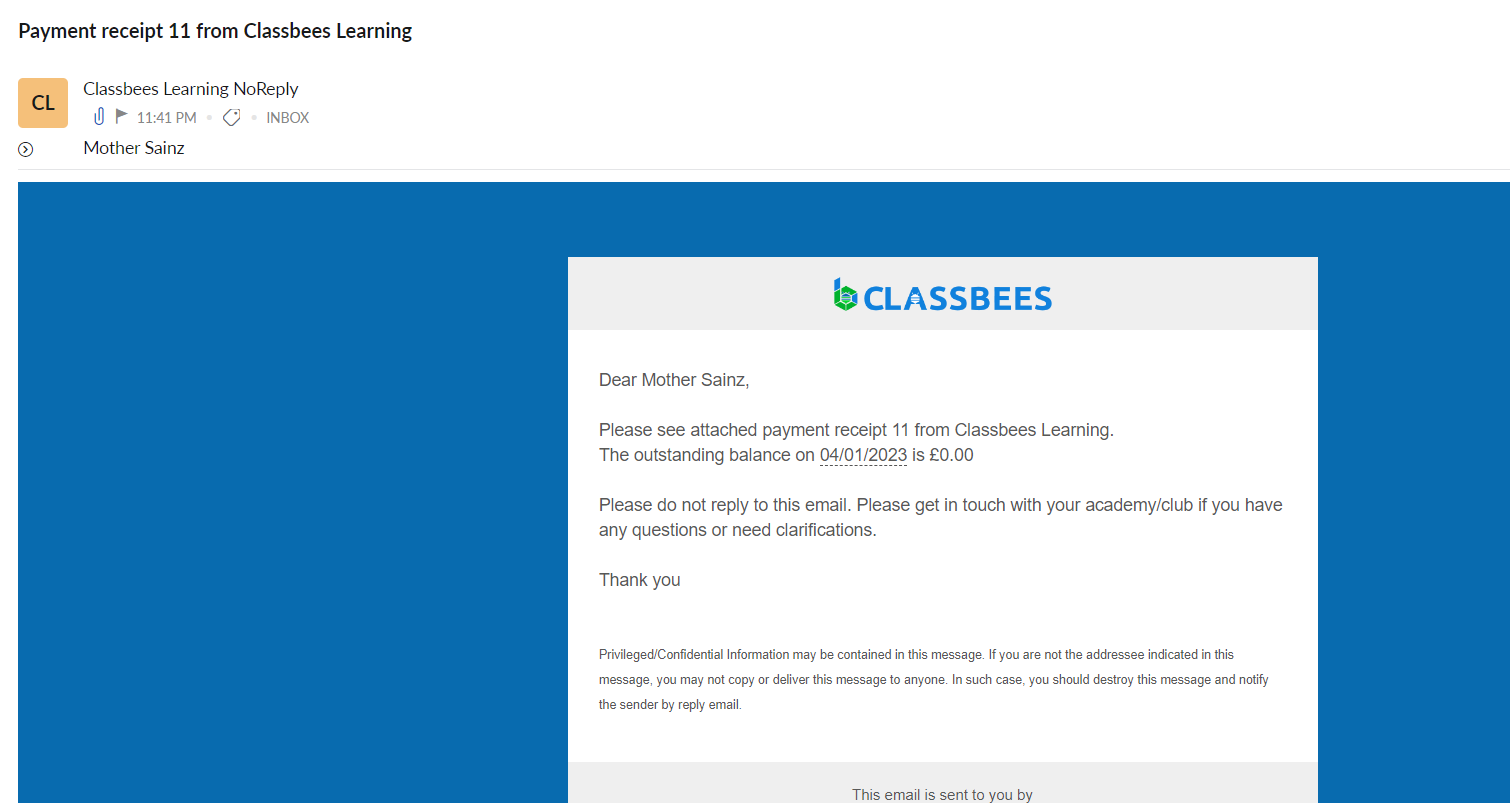
A sample of the payment email sent is shown below
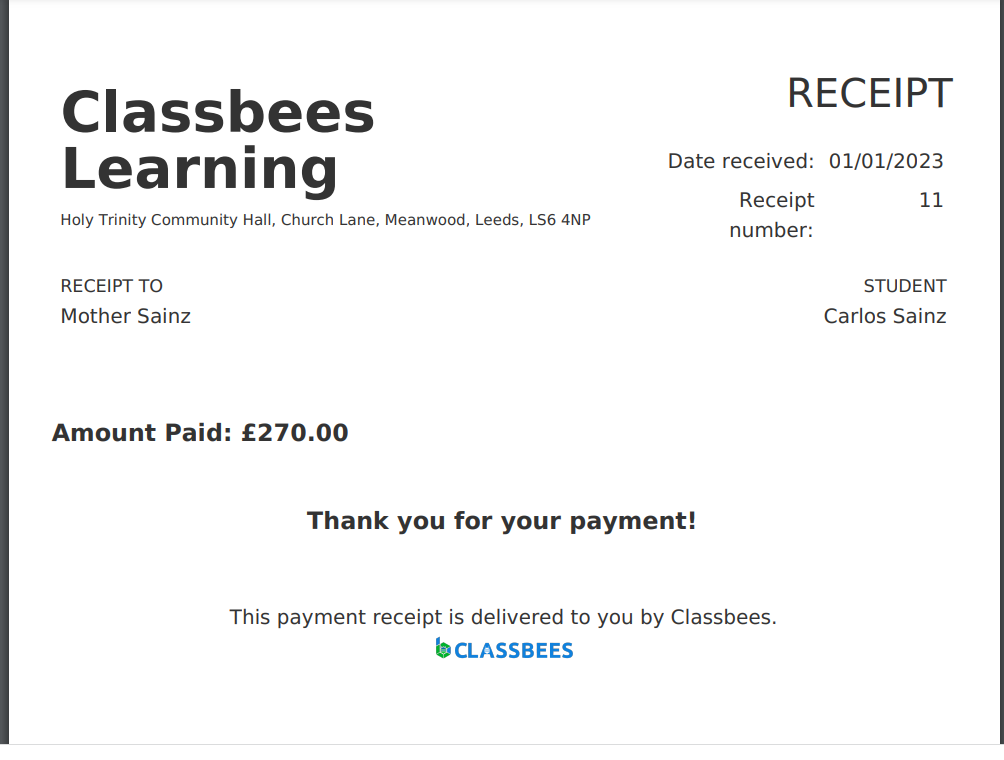
The payment receipt can be downloaded by clicking on the “Download” button. The receipt would be downloaded as a PDF document
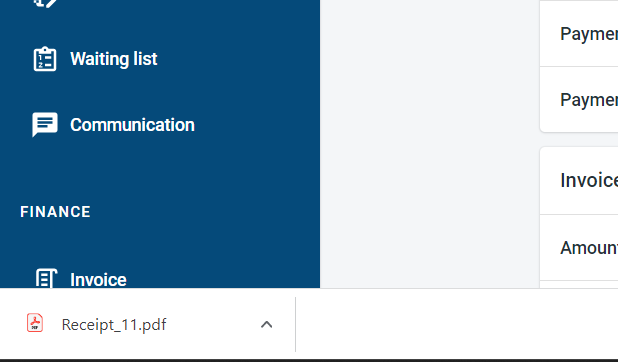
The PDF copy of the payment is shown below