Payments received by the academy and the club from the student outside the manage system have to be manually recorded in the system. The payments have to be recorded so that the student accounts are kept up to date and would help the academy and club to track the aged debts.
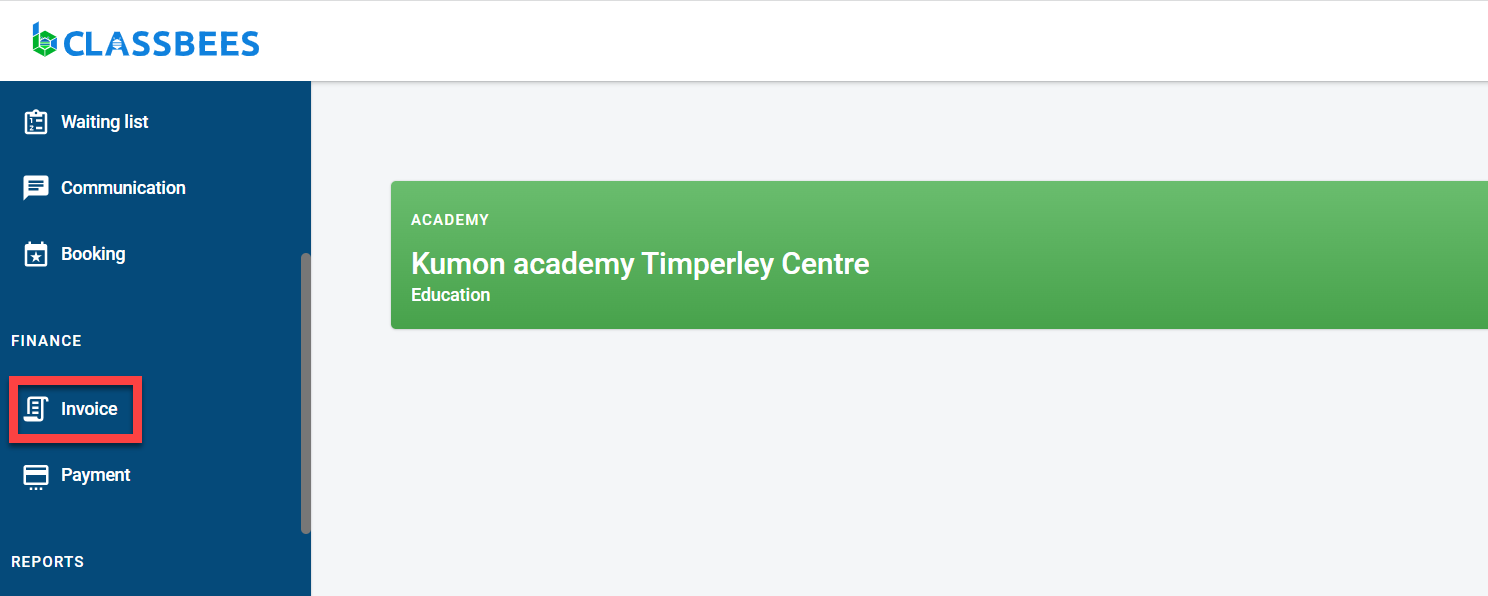
To record a full payment of an invoice quickly in the system, navigate to the invoice page from the main menu
To record a partial payment or to capture detailed information such as an accurate payment date, the payment has to be recorded using the manual payment page.
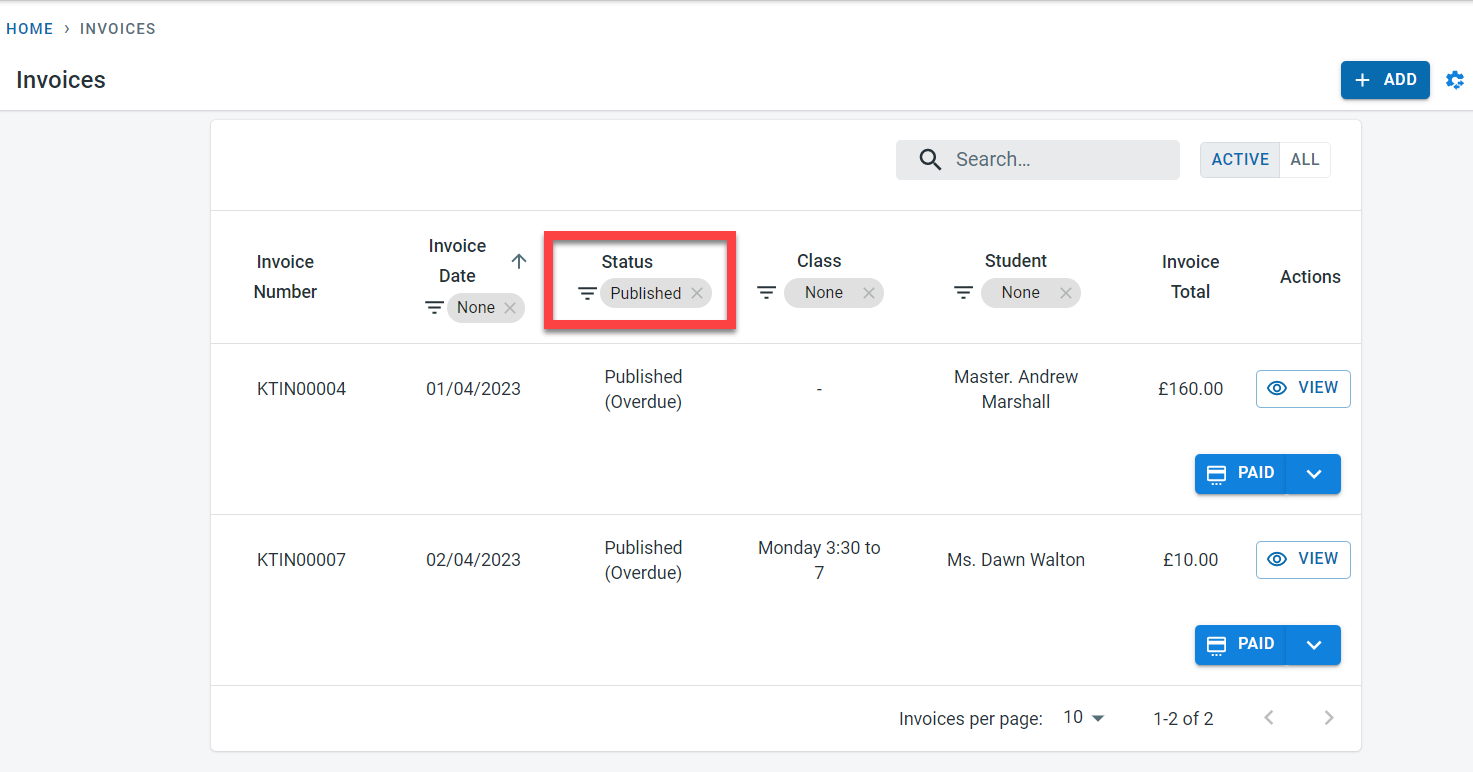
On the invoice page, select “Published” in the status column to get the list of unpaid invoices in the system.
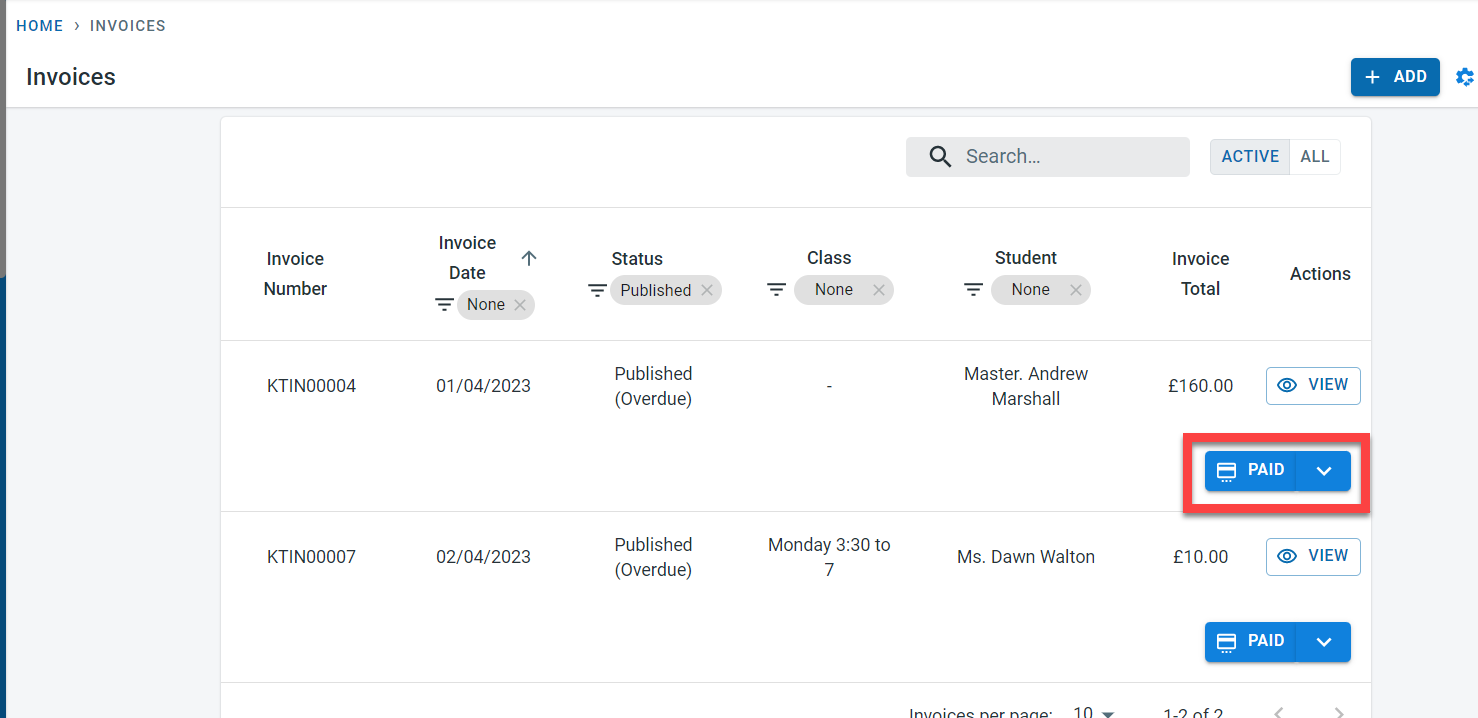
To record a complete payment for the invoice, click on the “PAID” button.
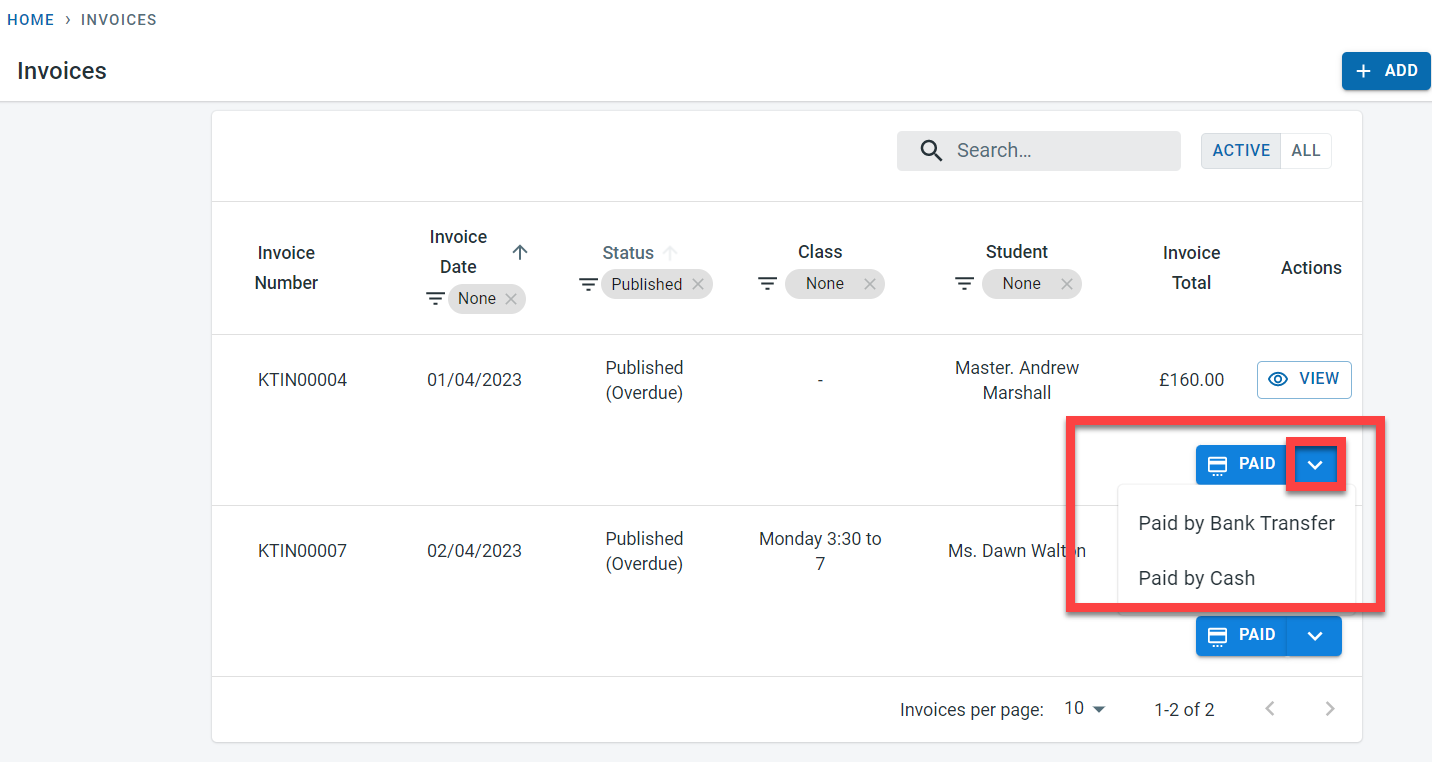
Note - To record a payment by cash or bank transfer click on the drop-down arrow to select the payment type.
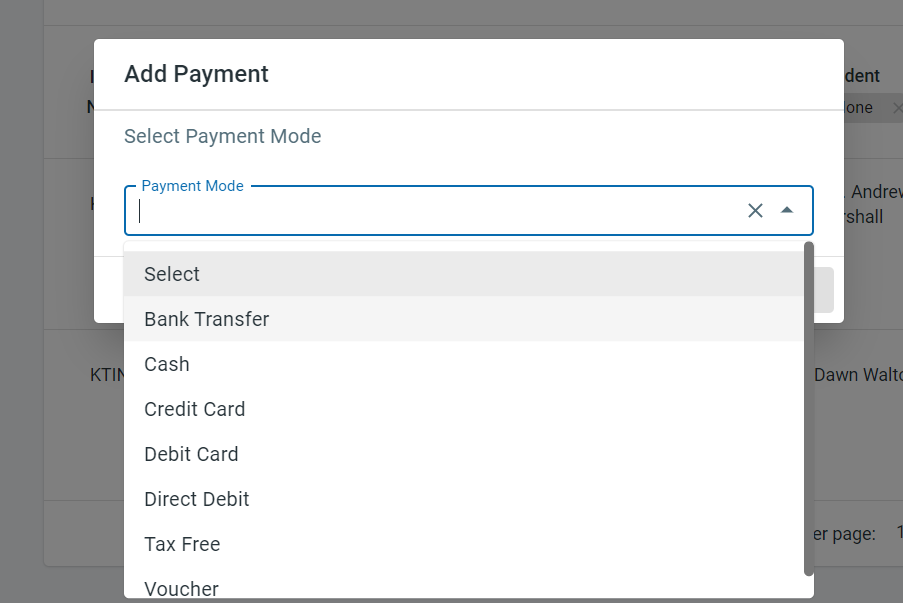
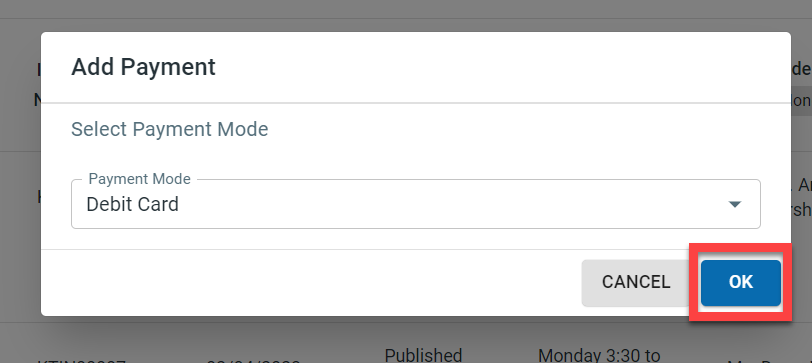
If the “PAID” button is pressed without selecting the “Paid by Bank transfer” or “Paid by cash” from the drop-down, the system prompts the user to enter the payment type in the pop up.
Click on “OK”
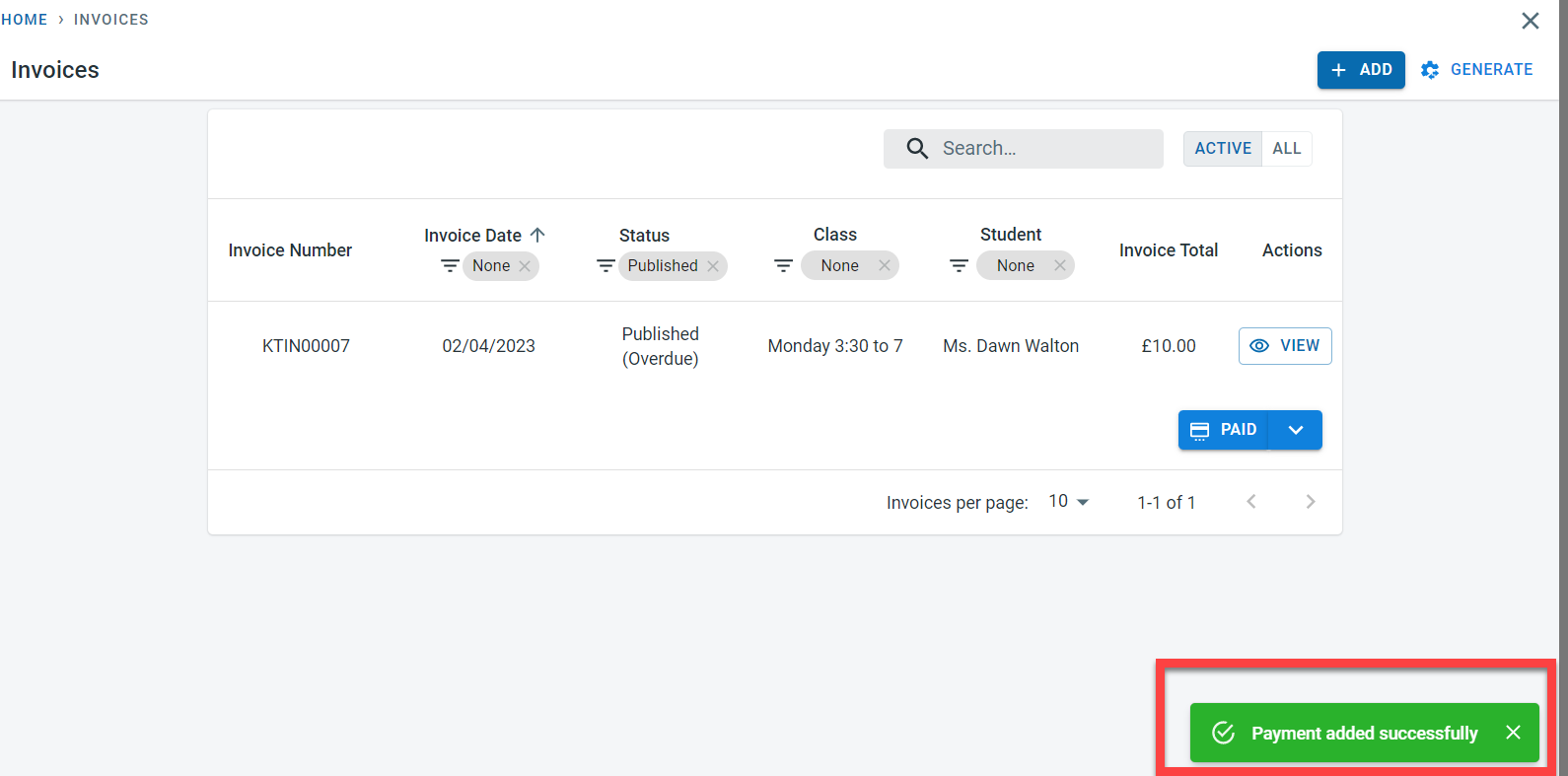
Payment was recorded successfully for the student for the invoice amount for the current date.
The payment can be viewed in the student finance section
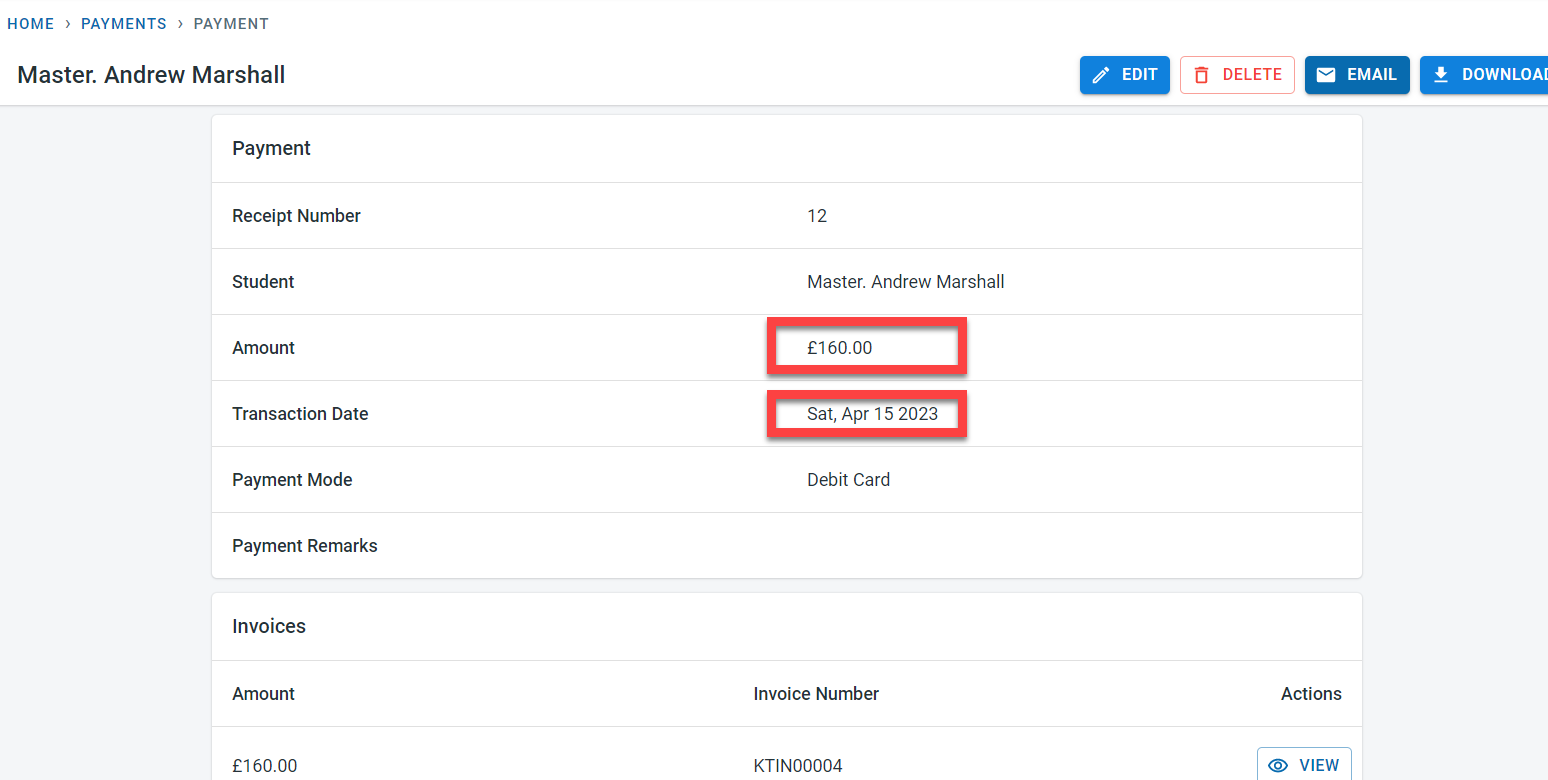
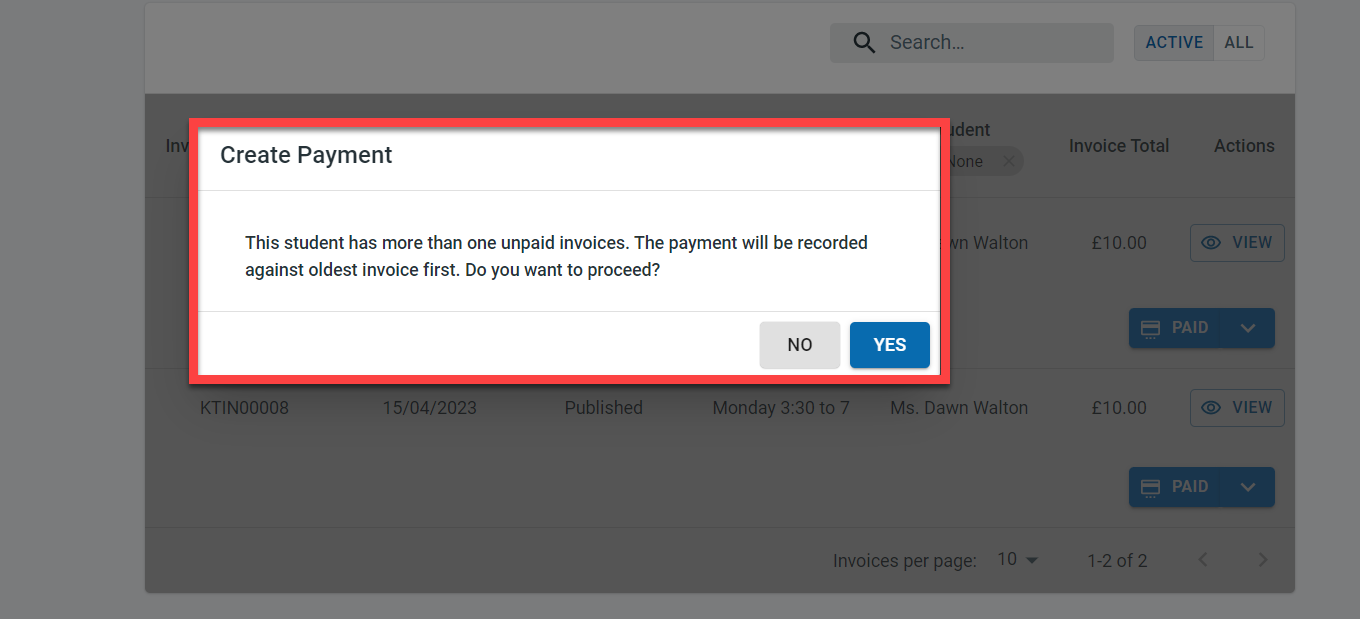
If there are older unpaid ivoices for the student and if a payment is recorded against a new invoice, the system would allocate the paid amount (invoice amount) to the oldest outstanding invoice. The system would show a warning message as well to alert the user that there are older outstanding invoices
.