Academy is the starting step in the Manage software setup. As of now, there can be only one academy for the unique subdomain created for the academy or club. Academy has to be created before adding any other data to the system.
Academy holds all the data together - terms, courses, classes and students created within the academy are unique to the academy.
Creating a new academy
When the user first logs in to the system, the initial step is to create an academy
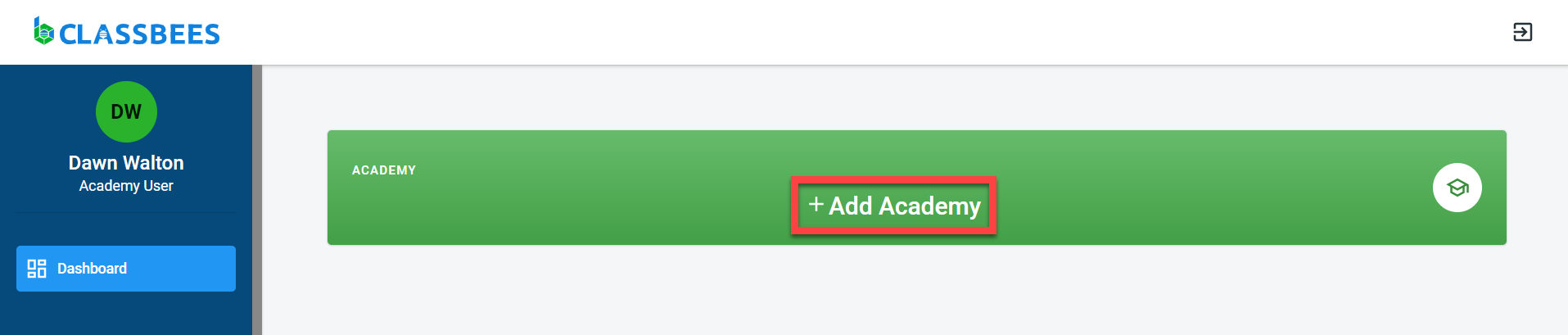
A unique name should be provided for the academy - this could be the business name or the trading name of the academy or club. Academy name is used in all communication sent to the students.
A category and description have to be assigned to the academy to identify the nature of the academy. There is an option to identify if the academy is run by an individual or is part of a bigger network.
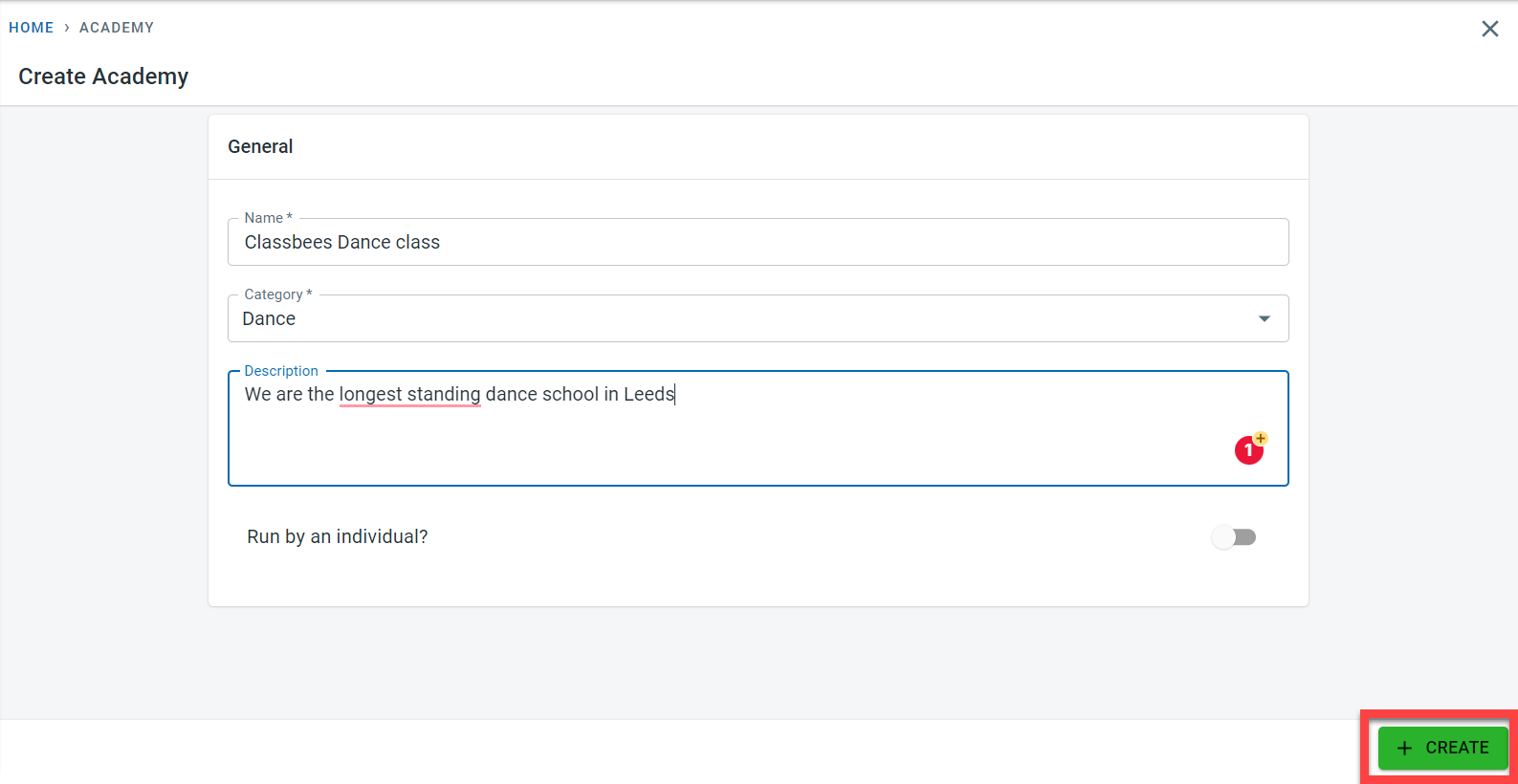
Clicking on the create button will create an Academy and post creation a message for the successful creation of an academy is displayed.
Editing an academy
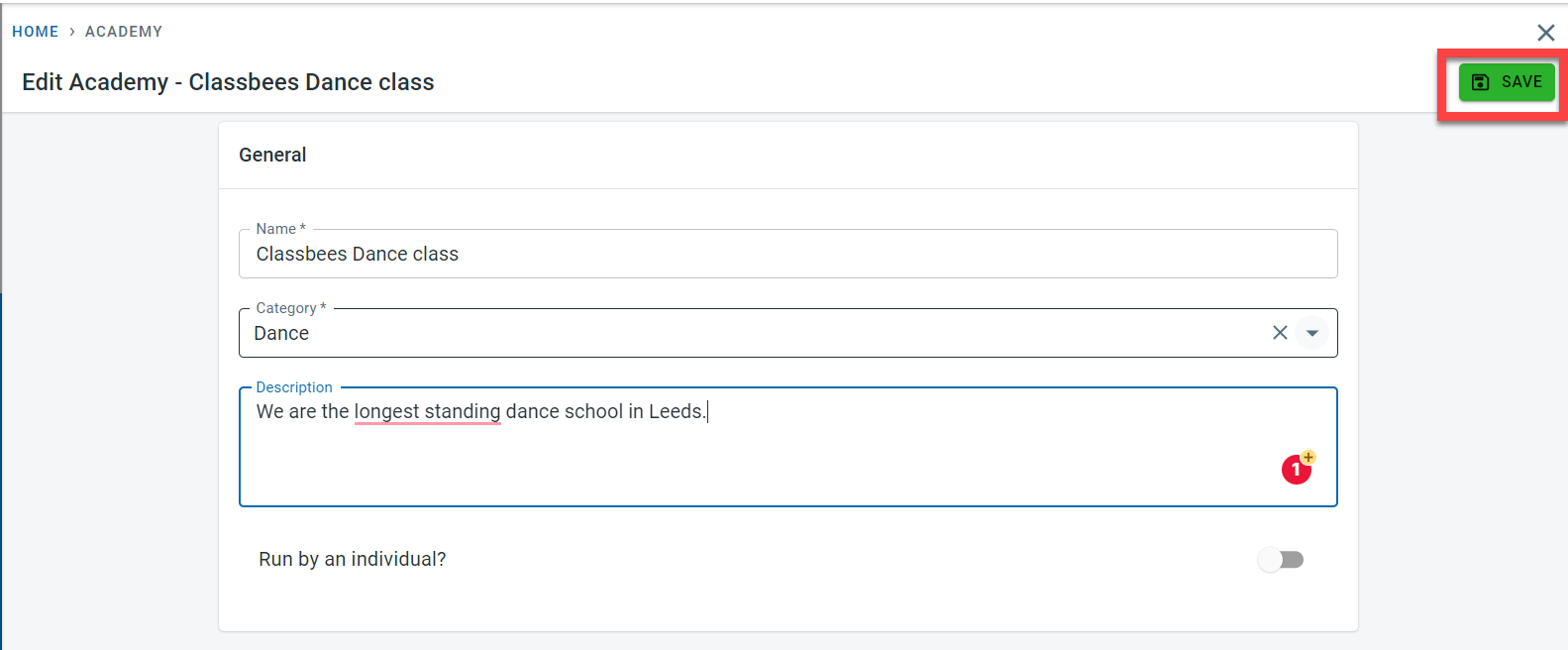
Click on the Edit button to make changes to an existing academy.
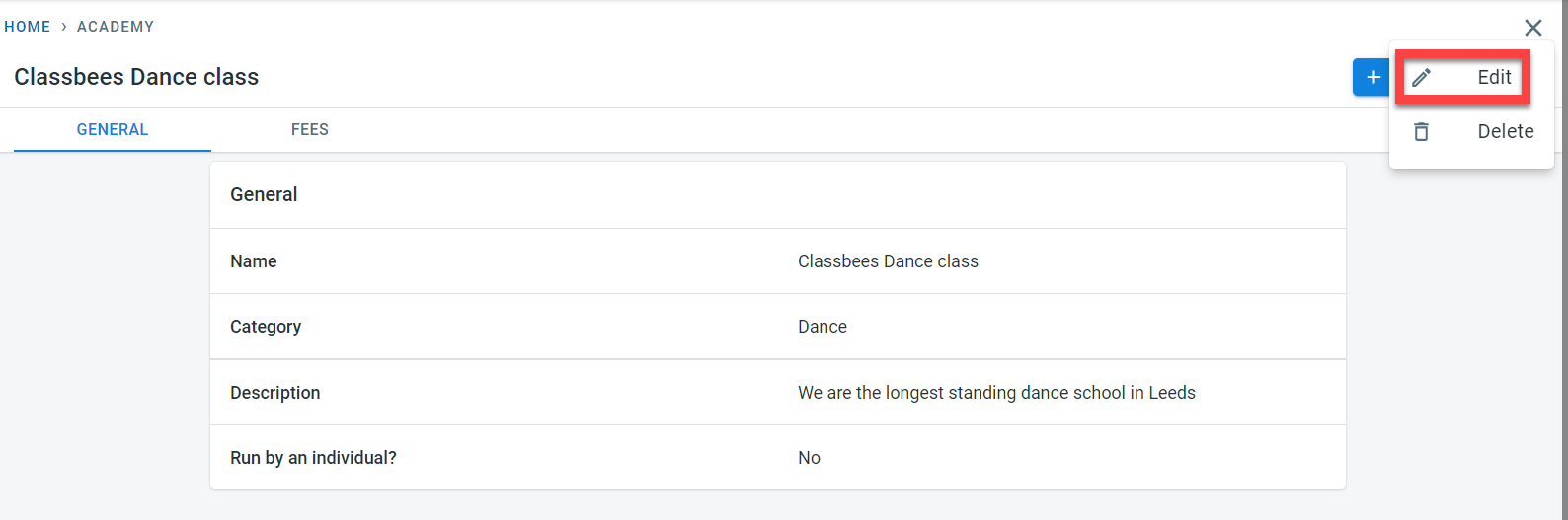
Once necessary changes have been made, click on the Save to confirm the changes made to the academy
Deleting an academy
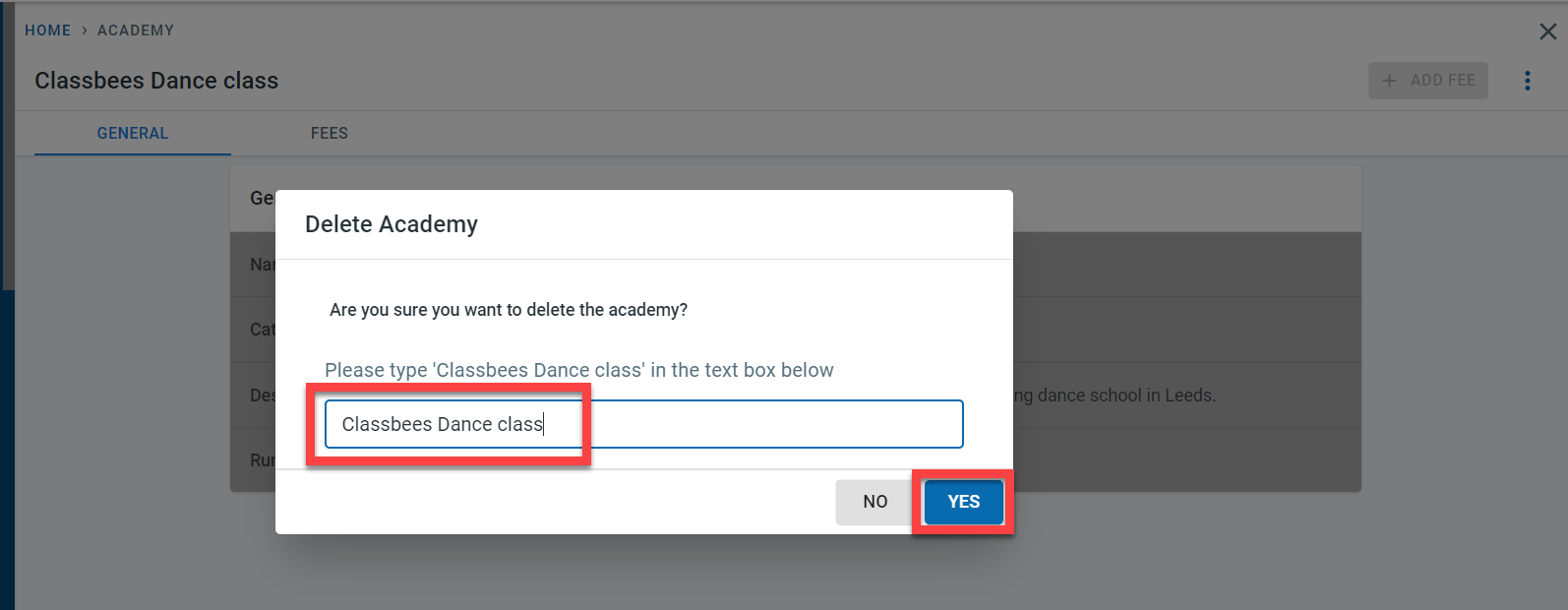
Clicking on the Delete button on the top right corner of the Academy screen will delete an Academy.
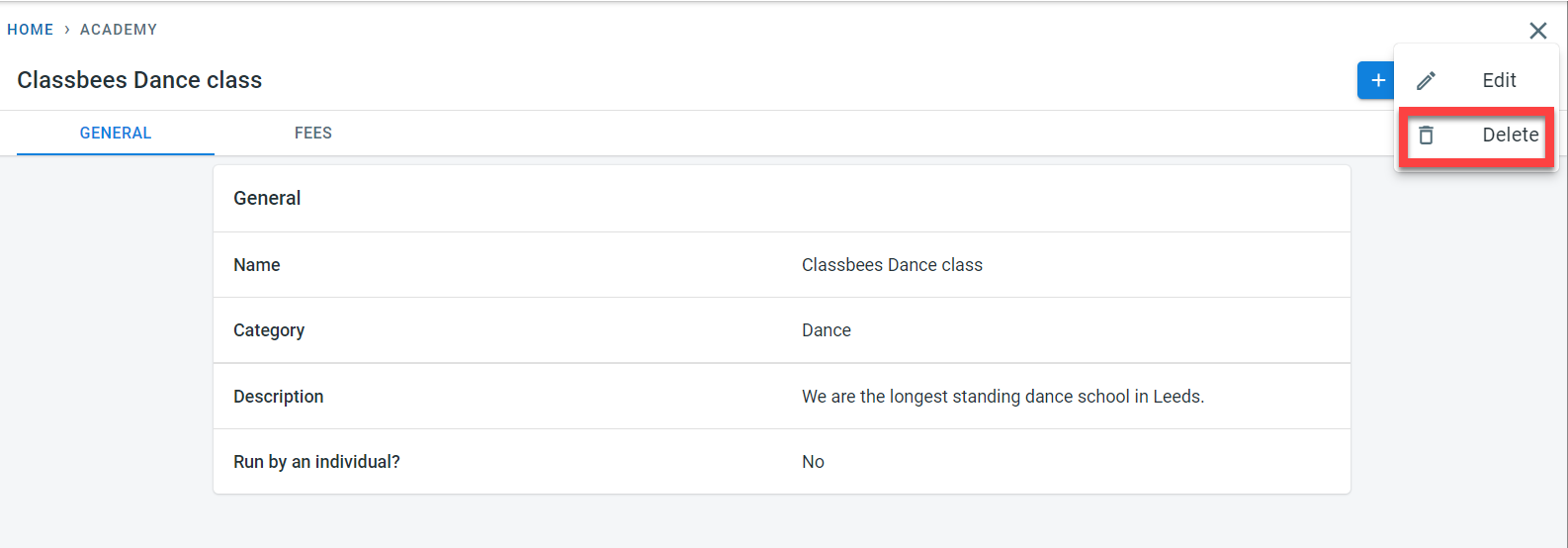
Deleting an Academy will mean, all data associated with the academy including student information, fee details, and other critical data will be lost. Due to the impact, this may cause, it should be carefully considered before deleting an academy. As a precaution and to avoid accidental deletion, the system prompts the user to enter the academy name as a confirmation for deletion. The yes button is not enabled until the correct academy name is entered