In order to take card payments directly through the Classbees Manage system and to set up direct debit fee collection for students, an account needs to be set up with Stripe
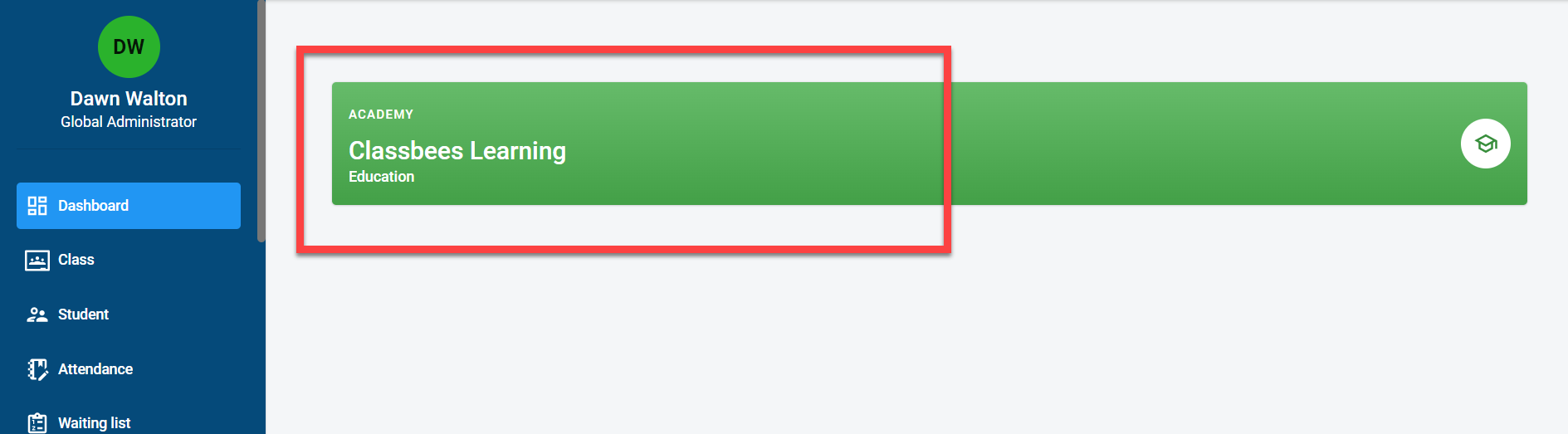
Click on the academy
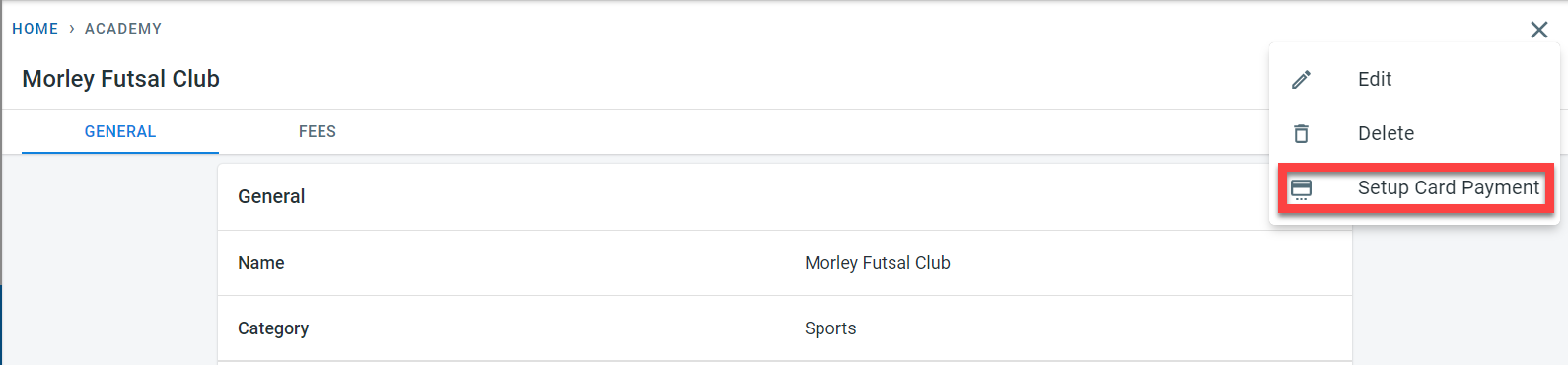
In the academy, click on the three dots and select “Setup Card Payment”
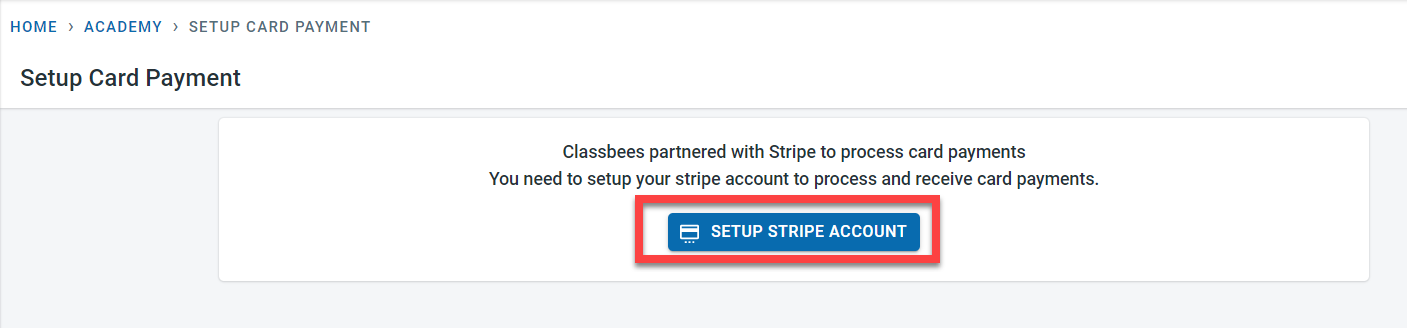
Click on “Setup Stripe Account”
Follow the steps from Stripe to set up your account. To link an existing stripe account to the system, log in to the Stripe account and follow the steps. In order to comply with the legal KYC regulations, Stripe collects a number of information about the business and individuals.
After all the required information has been successfully collected by Stripe, the following message would be displayed.
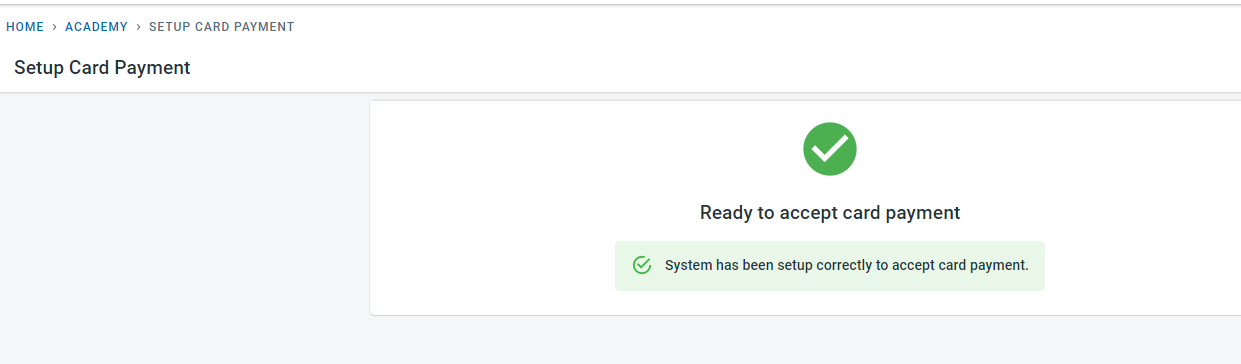
Card payments and direct debits can now be taken in the Manage system for the academy/club.
The Stripe account is set up through Classbees but that is an independent account set up for you that could be accessed directly through the Stripe Connect Dashboard
Stripe Support has a lot of information about Stripe in general and also about payments and refunds.