Each academy or club will have its own unique URL to access the Classbees Manage software.
Logging into the system
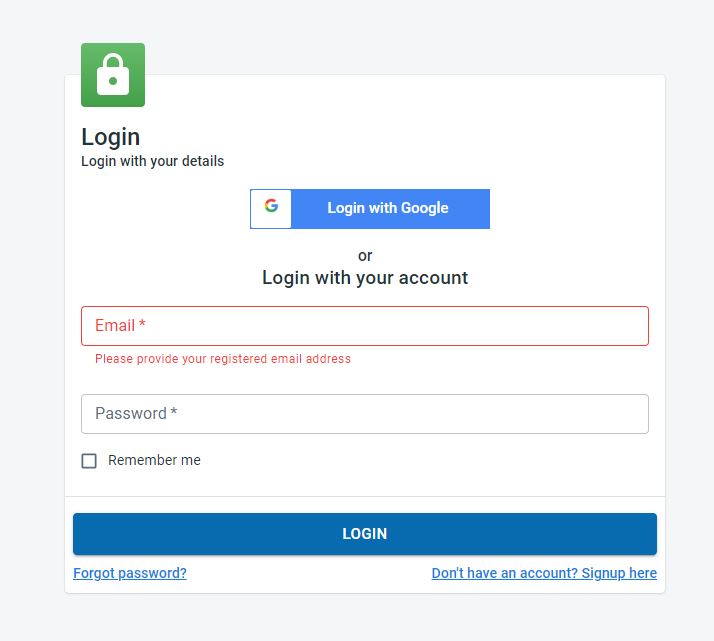
Users registered for the academy/club manage software will be able to login to the system through the unique manager URL for the academy/club.
Based on how the users signed up on the manage software, registered users can log in to the academy/club manage system by
- using username/ password
- using google account
Reset Password
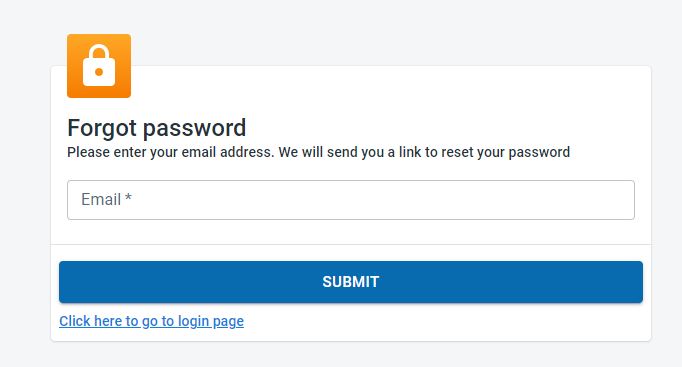
If a user has forgotten their login details then they can request to reset their password by clicking on the “Forgot password” under the Login button
The user would have to enter the email used during the sign-up process to get a link to reset the password