Some global settings are defined at the academy level - this is the highest level to define the settings. These settings are copied to the classes and the students defined at the academy. In most of the cases, the settings defined at the academy level can be overwritten at the lower level (class or student)
Academy settings
In order to navigate to the settings, Select “Settings” from the main menu
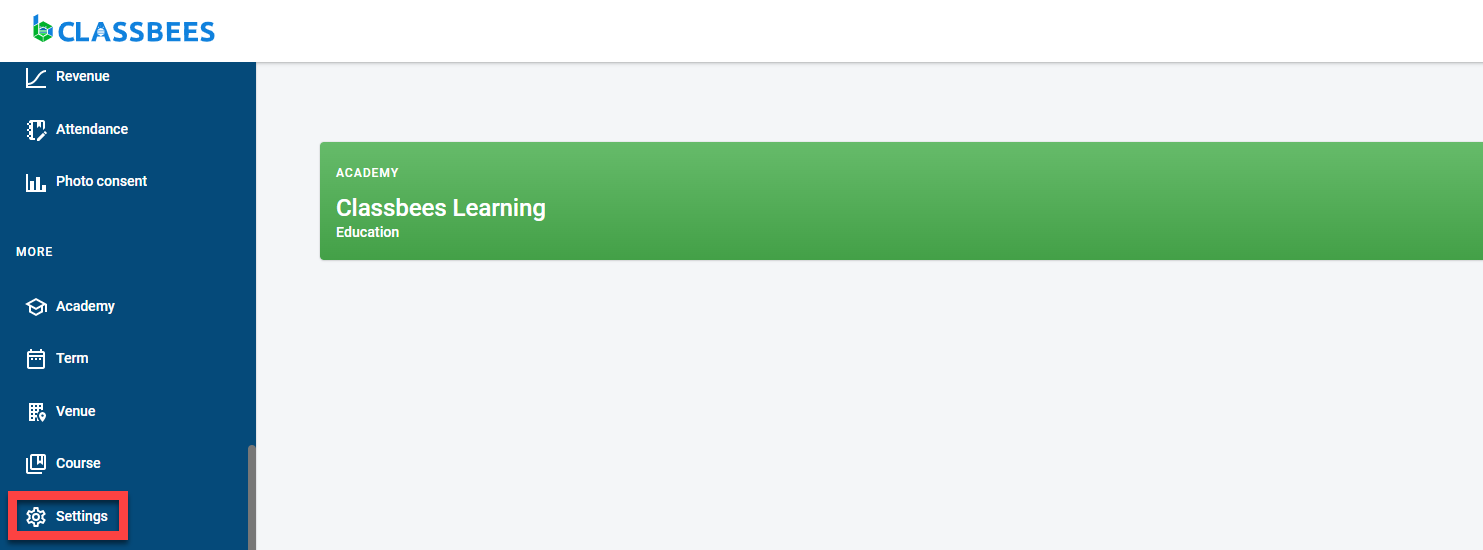
There are three types of settings maintained at the academy level
- Finance setting
- Attendance setting
- Communication Setting

Finance setting
At this level, it is possible to manage the setting for invoices, credit notes, and receipts. To navigate to this section, select the “Invoice and Payment” Tab
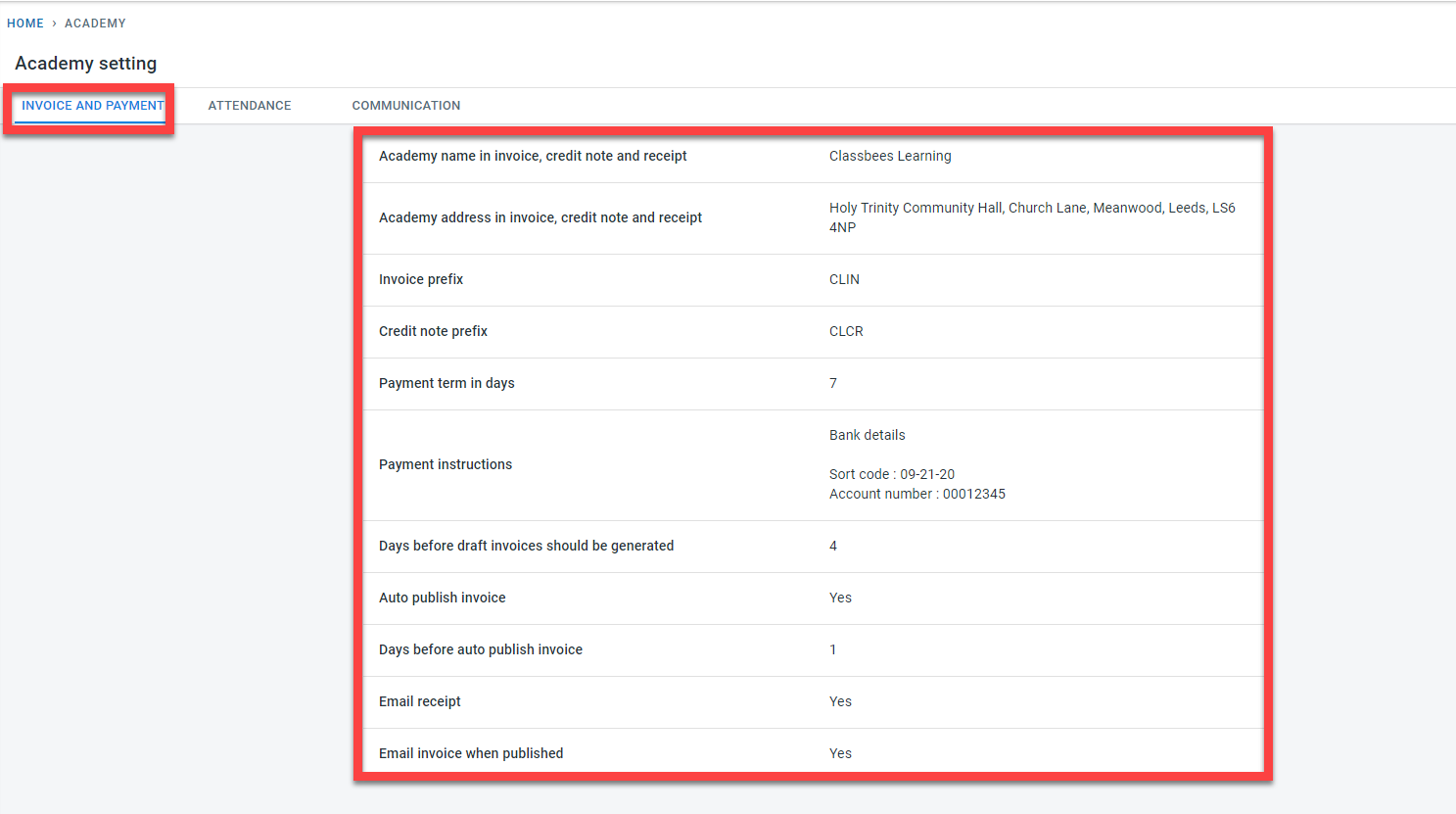
The following settings are maintained in this section
- The academy name and the address to be used in the Invoice, credit note, and receipts
- The prefix for Credit notes and Invoices generated within the academy
- Payment terms in days - this is used to calculate the invoice due date by adding the payment term date to the invoice date
- Payment instructions that are to be populated at the bottom of the invoices
- Days before the invoice date should be generated - this determines when the draft invoices should be generated in relation to the invoice date.
- Auto publish invoices - invoices can be auto-published (changes from draft to published status) based on the invoice date and the value set for the “days before auto publish invoice”
- At the academy level, there are settings to determine if
-
the invoices should be emailed to the student’s finance contact when they are published
-
the receipts have to be emailed to the student’s finance contact when payments are recorded for the student
-
This setting can be overwritten at individual classes
Attendance setting
At this level, it is possible to set if the actual in and out time of students have to be captured in the attendance as opposed to just capturing is the student is present

Toggling the switch to on would set all classes within the academy to capture the actual in and out time of students while registering attendance.
This setting can be overwritten at individual classes
Communication setting
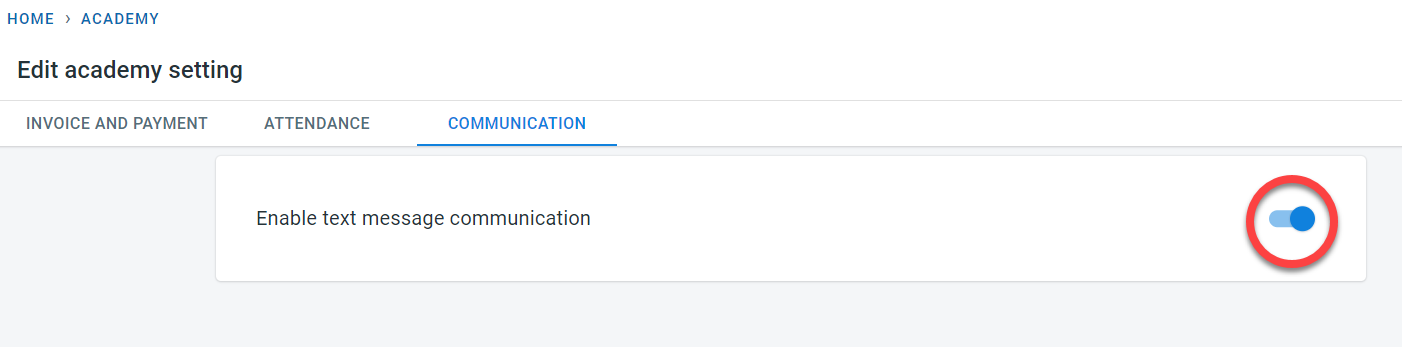
In order to send text messages, it is necessary to enable text messages at the academy level
Select Communications
Enable text messages at the academy level