Each academy or club will have its own unique URL to access the Classbees Manage software. As part of the initial setup, Classbees would set up the unique URL for the academy/club using a Signup code.
Initial signup could be set up using first name, last name, email address, and password. Alternatively, the signup could be completed using existing google accounts. If this is the preferred method, Classbees will share a unique signup code with the academy/club to set up the account.
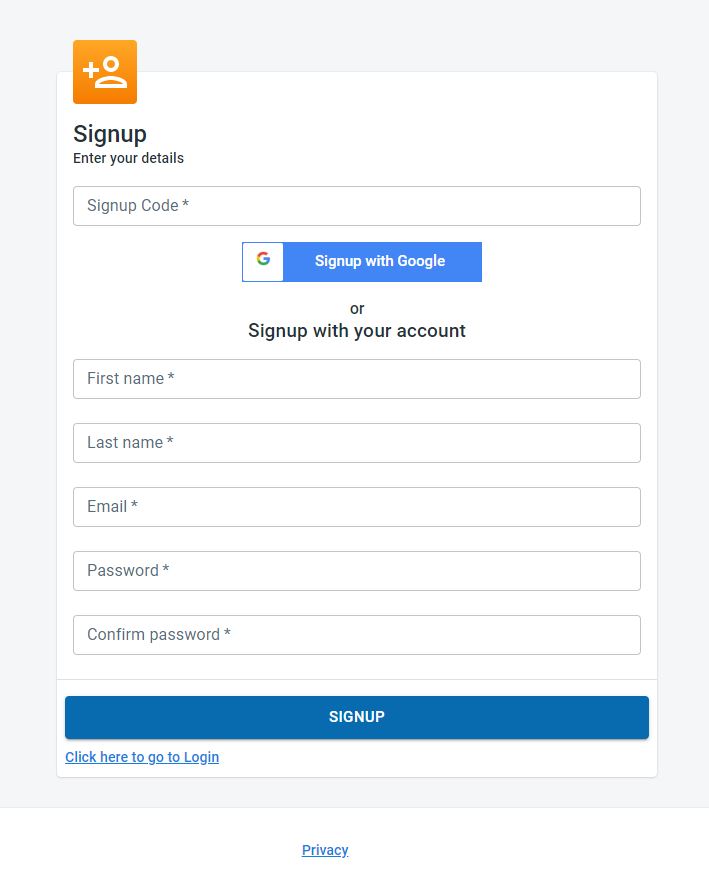
Once the initial signup is completed successfully, an email would be sent to the registered email account for activation.
The initial signup setup is for the designated super user for the manage software for the academy/club. This user can add additional users to the system after the initial setup is complete. Further details on multiple user within the system can be found under Team management.